QR code guest guide: Quick access for vacation rental guests
QR codes let guests access your guide instantly without typing URLs or downloading apps. Print them on check-in instructions, welcome signs, or inside your property for easy access.
أهم النقاط
- •QR codes eliminate the need for guests to type URLs or remember links.
- •Place QR codes in multiple locations: entryway, kitchen, living room.
- •QR codes work on any phone with a camera—no special app needed.
استخدم qr code guest guide مع أتمتة Booking.com
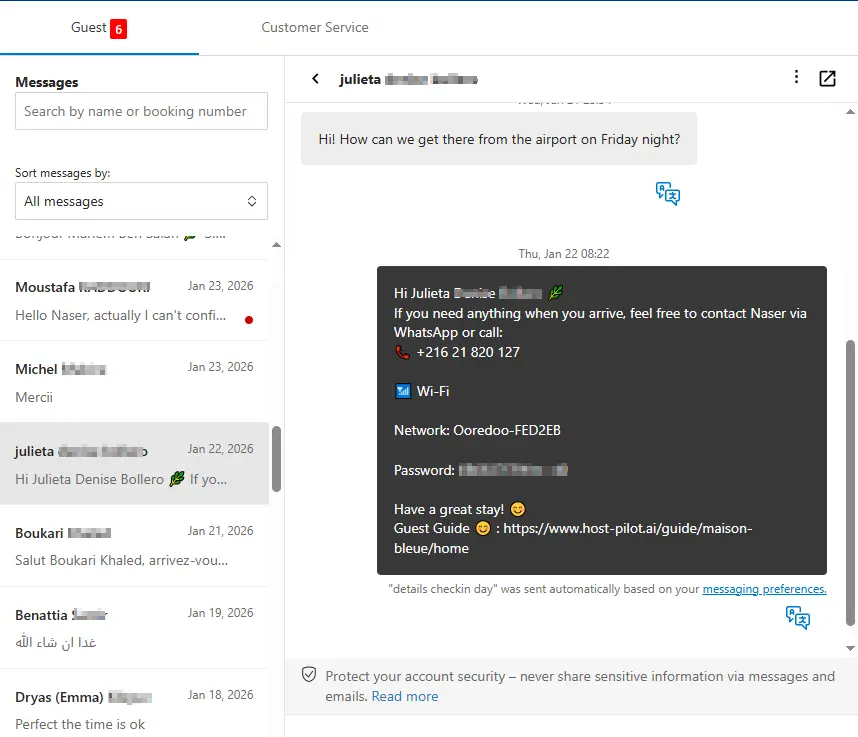
سواء كنت تبني qr code guest guide أو تحسّن واحداً موجوداً، يمكنك ربطه بـ Booking.com واستخدام نفس رابط الدليل في الرسائل الآلية. يحصل الضيوف على إجابات متسقة وتحصل على أسئلة متكررة أقل، بغض النظر عن قناة الحجز.
المشكلات الشائعة التي يواجهها المضيفون
- •Guests lose the link or can't remember where to find the guide
- •Typing long URLs on mobile is error-prone and frustrating
- •Guests don't bookmark the guide and can't find it later during their stay
- •Need to send the link in multiple messages and still guests can't find it
ما الذي يجب أن تتضمنه الحلول الجيدة
- •QR code that opens the guide instantly when scanned
- •Place QR codes in visible locations throughout the property
- •Include QR code in check-in instructions and welcome messages
- •Works on any smartphone—no special apps or downloads needed
نصائح عملية من مضيفين ذوي خبرة
- Print QR codes on a welcome sign near the front door or entryway.
- Include QR codes in your Airbnb/VRBO message and printed check-in instructions.
- Place additional QR codes in the kitchen and living room for easy access during the stay.
- Test your QR code on multiple phones to ensure it works reliably.
خطوة إجراء: اختر ممارسة واحدة من هذا الدليل لتطبيقها هذا الأسبوع.
خيارات مقارنة
اختر النهج الذي يناسب احتياجاتك.| الخيار | الأفضل لـ | لماذا يعمل أو لا يعمل |
|---|---|---|
| Link only | Basic | Guests lose the link, have to type it, or forget where to find it. |
| QR code with app | Complex | Requires guests to download an app, creates friction and frustration. |
| QR code no app | Ideal | Scan and open instantly, no downloads, works on any smartphone. |
Where Host Pilot fits
- •Generate QR codes for your guest guide that work on any phone.
- •Place QR codes in multiple locations and include them in check-in instructions.
- •Update your guide anytime and the QR code link stays the same.
الأسئلة الشائعة
Do guests need to download an app to scan QR codes?+
No, modern smartphones have built-in QR code scanners in their camera apps. Guests just point their camera at the code and tap the notification.
Where should I place QR codes in my property?+
Place them in high-traffic areas: entryway, kitchen, living room. Also include them in your check-in instructions and welcome messages.
What if my QR code doesn't work?+
Test it on multiple devices first. Ensure the code is large enough (at least 2x2 inches) and not damaged. Have a backup link available in messages.
أدلة ذات صلة
هل أنت مستعد لإنشاء دليل الضيوف؟
استخدم هذا الدليل لإنشاء دليل ضيوف فعال. Host Pilot يساعدك في إنشاء أدلة متوافقة مع الجوال ورمز QR وتوصيات محلية.