WiFi instructions: Make internet access easy for guests
WiFi access is essential for most guests. Provide clear, easy-to-find WiFi instructions to prevent the most common guest question: "What's the WiFi password?"
Punti chiave
- •Place WiFi information at the top of your guest guide—guests need it immediately.
- •Include network name (SSID) and password clearly.
- •Provide troubleshooting tips and backup internet options if available.
Usa la tua wifi instructions con l'automazione Booking.com
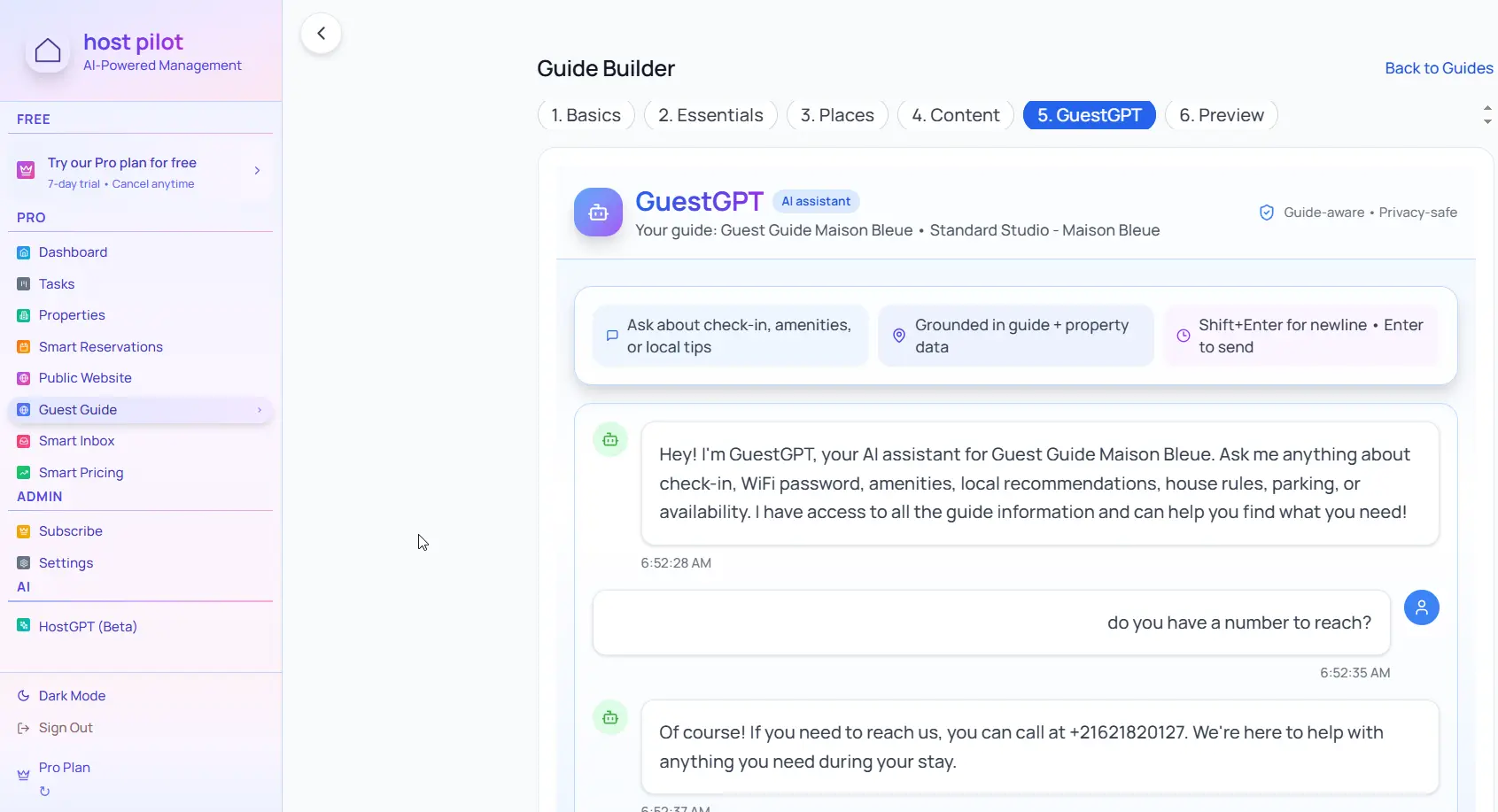
Che tu stia creando un wifi instructions o perfezionando uno esistente, puoi collegarlo a Booking.com e usare lo stesso link della guida nei messaggi automatici. Gli ospiti ricevono risposte coerenti e tu meno domande ripetute, indipendentemente dal canale di prenotazione.
Problemi comuni degli host
- •Guests repeatedly ask for WiFi password
- •WiFi instructions are buried in messages or listing
- •Guests can't connect and don't know how to troubleshoot
- •No backup internet option when WiFi is down
Cosa devono includere le buone soluzioni
- •WiFi information prominently displayed in guest guide
- •Include both network name and password clearly
- •Basic troubleshooting steps for common connection issues
- •Backup internet option (mobile hotspot info or nearby WiFi) if possible
Suggerimenti pratici di host esperti
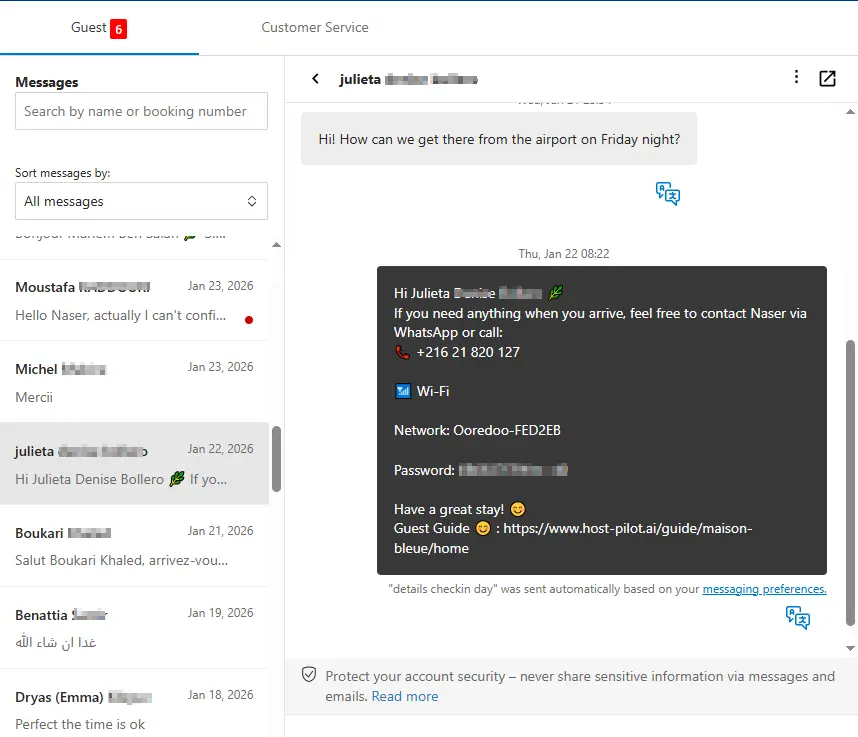
- Put WiFi info in multiple places: guest guide, check-in message, and a sign in the property.
- Test your WiFi password yourself—ensure it's easy to type on mobile.
- Include instructions for both 2.4GHz and 5GHz networks if applicable.
- Have a backup plan: know where guests can access WiFi if yours is down.
Azione: Scegli una pratica da implementare questa settimana.
Opzioni a confronto
Scegli l'approccio più adatto alle tue esigenze.| Opzione | Ideale per | Perché funziona o no |
|---|---|---|
| Password in listing only | Hidden | Guests don't check listing details at check-in, still ask for password. |
| Password in message | Partial | Gets buried in inbox, hard to find when needed. |
| Password in guide + property sign | Accessible | Available in multiple places, guests can find it easily. |
Where Host Pilot fits
- •Include WiFi instructions prominently in your guest guide.
- •Make WiFi information easy to find at the top of essential sections.
- •Update WiFi details instantly if you change networks or passwords.
FAQ
Where should I put the WiFi password?+
In multiple places: at the top of your guest guide, in your check-in message, and on a sign in the property (near the router if possible).
Should I include troubleshooting steps?+
Yes, include basic steps like restarting the router or forgetting and reconnecting to the network. This reduces support requests.
What if my WiFi is unreliable?+
Be transparent with guests. Provide a backup option if possible (mobile hotspot info or nearby WiFi locations) and apologize in advance.
Guide correlate
Pronto a creare la tua guida per ospiti?
Usa questa guida per creare una guida efficace. Host Pilot ti aiuta con guide mobile, QR code e raccomandazioni locali.