QR code guest guide: Quick access for vacation rental guests
QR codes let guests access your guide instantly without typing URLs or downloading apps. Print them on check-in instructions, welcome signs, or inside your property for easy access.
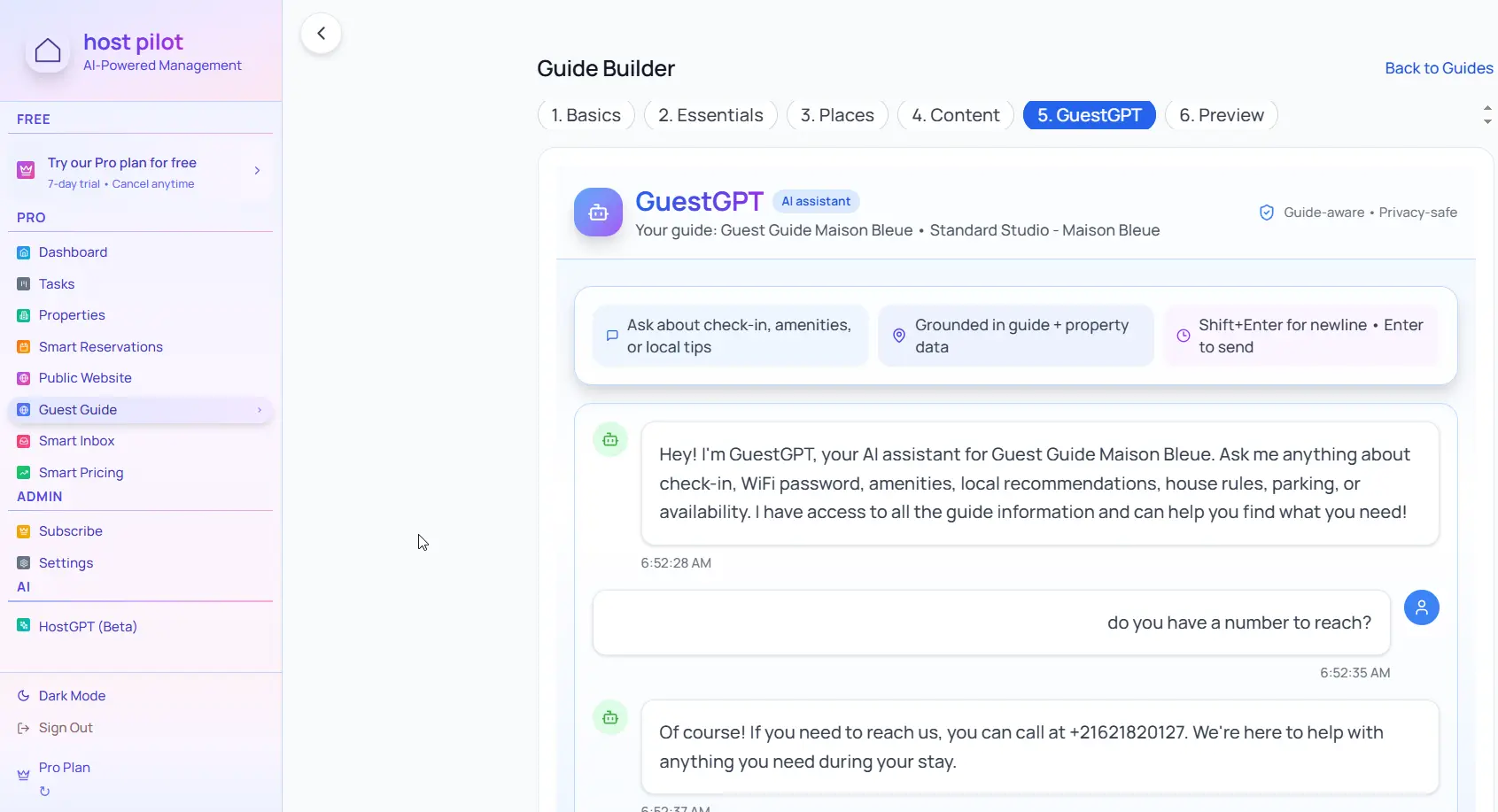
Punti chiave
- •QR codes eliminate the need for guests to type URLs or remember links.
- •Place QR codes in multiple locations: entryway, kitchen, living room.
- •QR codes work on any phone with a camera—no special app needed.
Usa la tua qr code guest guide con l'automazione Booking.com
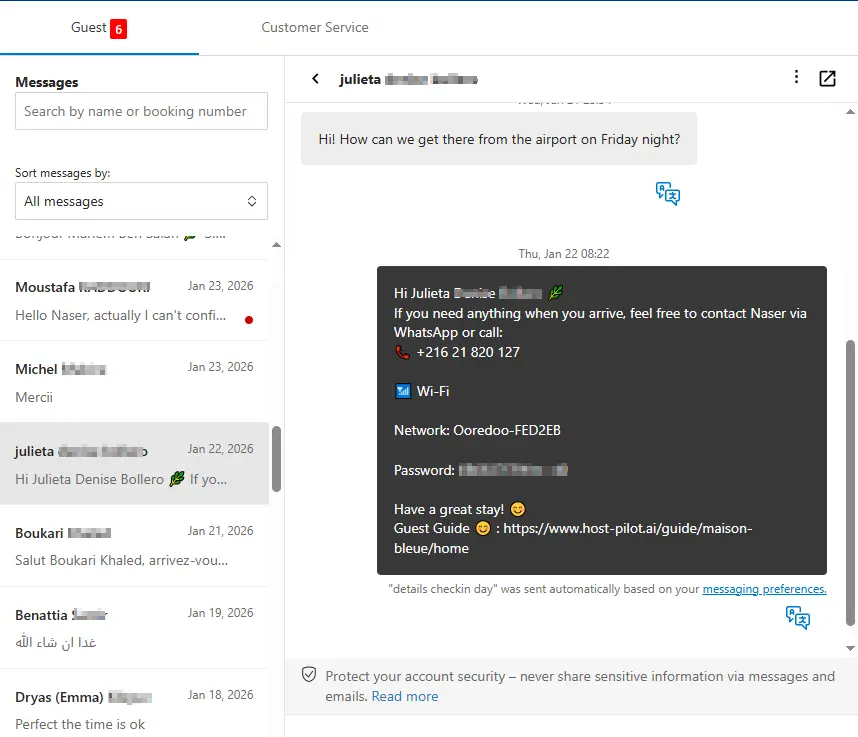
Che tu stia creando un qr code guest guide o perfezionando uno esistente, puoi collegarlo a Booking.com e usare lo stesso link della guida nei messaggi automatici. Gli ospiti ricevono risposte coerenti e tu meno domande ripetute, indipendentemente dal canale di prenotazione.
Problemi comuni degli host
- •Guests lose the link or can't remember where to find the guide
- •Typing long URLs on mobile is error-prone and frustrating
- •Guests don't bookmark the guide and can't find it later during their stay
- •Need to send the link in multiple messages and still guests can't find it
Cosa devono includere le buone soluzioni
- •QR code that opens the guide instantly when scanned
- •Place QR codes in visible locations throughout the property
- •Include QR code in check-in instructions and welcome messages
- •Works on any smartphone—no special apps or downloads needed
Suggerimenti pratici di host esperti
- Print QR codes on a welcome sign near the front door or entryway.
- Include QR codes in your Airbnb/VRBO message and printed check-in instructions.
- Place additional QR codes in the kitchen and living room for easy access during the stay.
- Test your QR code on multiple phones to ensure it works reliably.
Azione: Scegli una pratica da implementare questa settimana.
Opzioni a confronto
Scegli l'approccio più adatto alle tue esigenze.| Opzione | Ideale per | Perché funziona o no |
|---|---|---|
| Link only | Basic | Guests lose the link, have to type it, or forget where to find it. |
| QR code with app | Complex | Requires guests to download an app, creates friction and frustration. |
| QR code no app | Ideal | Scan and open instantly, no downloads, works on any smartphone. |
Where Host Pilot fits
- •Generate QR codes for your guest guide that work on any phone.
- •Place QR codes in multiple locations and include them in check-in instructions.
- •Update your guide anytime and the QR code link stays the same.
FAQ
Do guests need to download an app to scan QR codes?+
No, modern smartphones have built-in QR code scanners in their camera apps. Guests just point their camera at the code and tap the notification.
Where should I place QR codes in my property?+
Place them in high-traffic areas: entryway, kitchen, living room. Also include them in your check-in instructions and welcome messages.
What if my QR code doesn't work?+
Test it on multiple devices first. Ensure the code is large enough (at least 2x2 inches) and not damaged. Have a backup link available in messages.
Guide correlate
Pronto a creare la tua guida per ospiti?
Usa questa guida per creare una guida efficace. Host Pilot ti aiuta con guide mobile, QR code e raccomandazioni locali.