Welcome book template: Create a memorable guest experience
A well-designed welcome book sets the tone for your guests' stay. Learn what to include, how to organize it, and why both digital and printed versions matter.
أهم النقاط
- •Combine digital accessibility with printed charm for best results.
- •Focus on local recommendations, house rules, and emergency information.
- •Update your digital version regularly; print new copies seasonally.
استخدم welcome book template مع أتمتة Booking.com
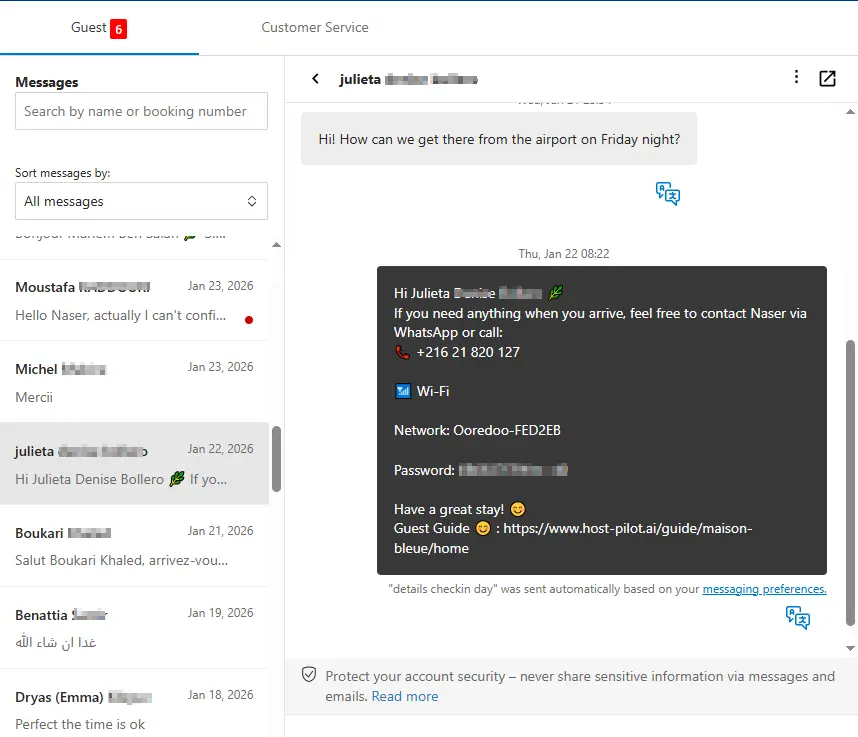
سواء كنت تبني welcome book template أو تحسّن واحداً موجوداً، يمكنك ربطه بـ Booking.com واستخدام نفس رابط الدليل في الرسائل الآلية. يحصل الضيوف على إجابات متسقة وتحصل على أسئلة متكررة أقل، بغض النظر عن قناة الحجز.
المشكلات الشائعة التي يواجهها المضيفون
- •Printed welcome books get outdated quickly
- •Guests don't read long paragraphs of text
- •Uncertain what information belongs in a welcome book vs. the listing
- •Creating a welcome book from scratch takes too much time
ما الذي يجب أن تتضمنه الحلول الجيدة
- •Digital welcome book that can be updated instantly
- •Concise sections with clear headings and bullet points
- •Mix of practical information and local personality
- •Templates to get started quickly
نصائح عملية من مضيفين ذوي خبرة
- Start with essentials: WiFi, check-in/checkout, house rules, emergency contacts.
- Add 5–7 local recommendations with brief descriptions and directions.
- Include personal touches like why you love the neighborhood.
- Keep each section to 3–5 sentences maximum.
خطوة إجراء: اختر ممارسة واحدة من هذا الدليل لتطبيقها هذا الأسبوع.
خيارات مقارنة
اختر النهج الذي يناسب احتياجاتك.| الخيار | الأفضل لـ | لماذا يعمل أو لا يعمل |
|---|---|---|
| Printed only | Traditional | Charming but hard to update, guests may not see updates. |
| Digital only | Modern | Always current but lacks the personal touch of a physical book. |
| Digital + printed | Best of both | Digital for updates, printed for first impression and accessibility. |
Where Host Pilot fits
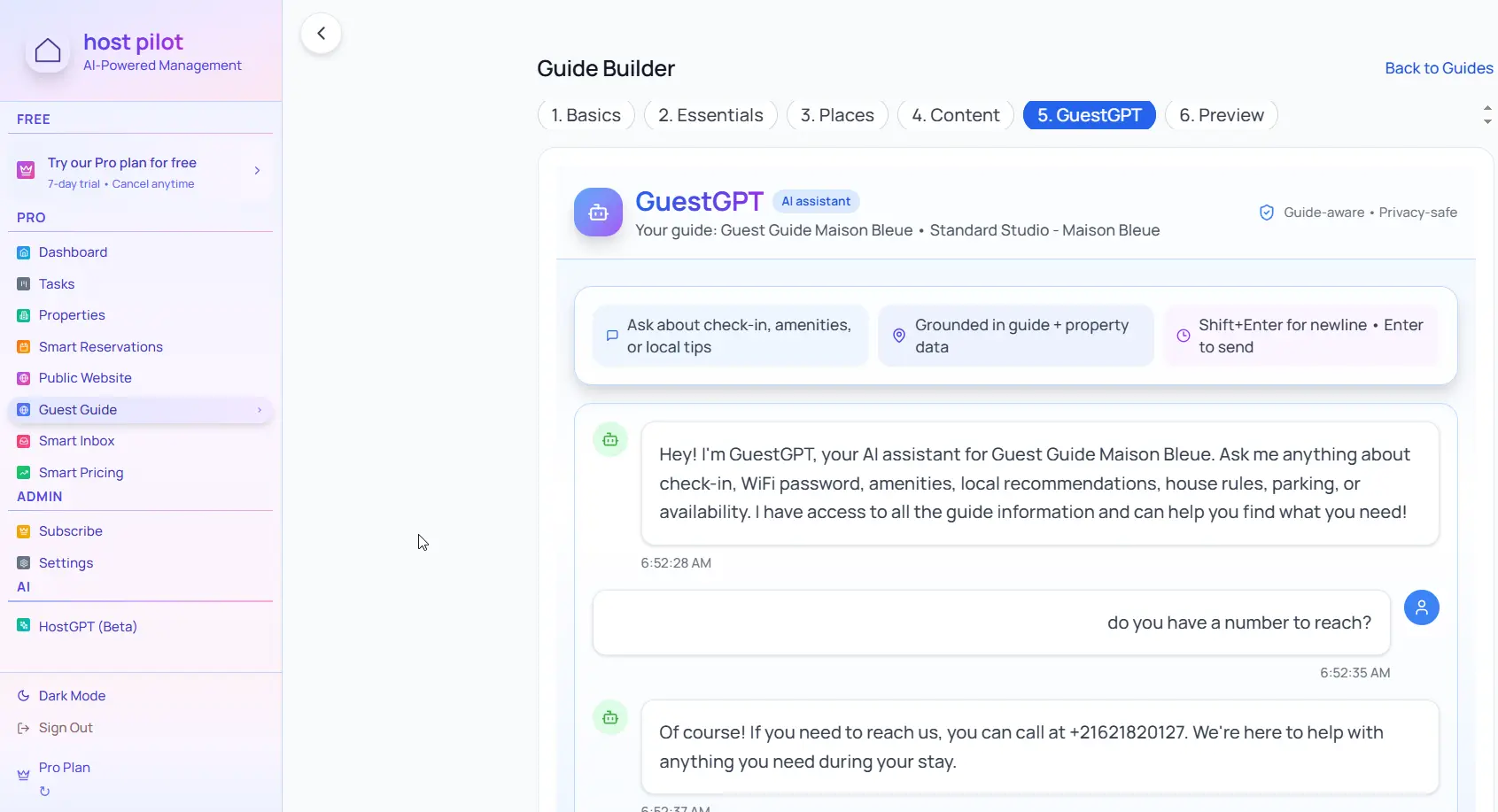
- •Create digital welcome books that can be updated anytime.
- •Share via link or QR code so guests always have the latest version.
- •Print copies seasonally for the physical welcome book experience.
الأسئلة الشائعة
What's the difference between a welcome book and guest guide?+
They're often used interchangeably. A welcome book typically includes more personal touches and local recommendations, while a guest guide focuses more on practical information.
Should I have a printed or digital welcome book?+
Ideally both. Use digital for easy updates and sharing before arrival, and have a printed copy in the property for guests who prefer physical guides.
How often should I update my welcome book?+
Update digital versions monthly or when local recommendations change. Print new copies seasonally or when you make significant updates.
أدلة ذات صلة
هل أنت مستعد لإنشاء دليل الضيوف؟
استخدم هذا الدليل لإنشاء دليل ضيوف فعال. Host Pilot يساعدك في إنشاء أدلة متوافقة مع الجوال ورمز QR وتوصيات محلية.