Guía para huéspedes móvil: Por qué importa en alquileres vacacionales
La mayoría de huéspedes consultan la guía en el móvil. Una guía optimizada para móvil garantiza que encuentren la información al instante.
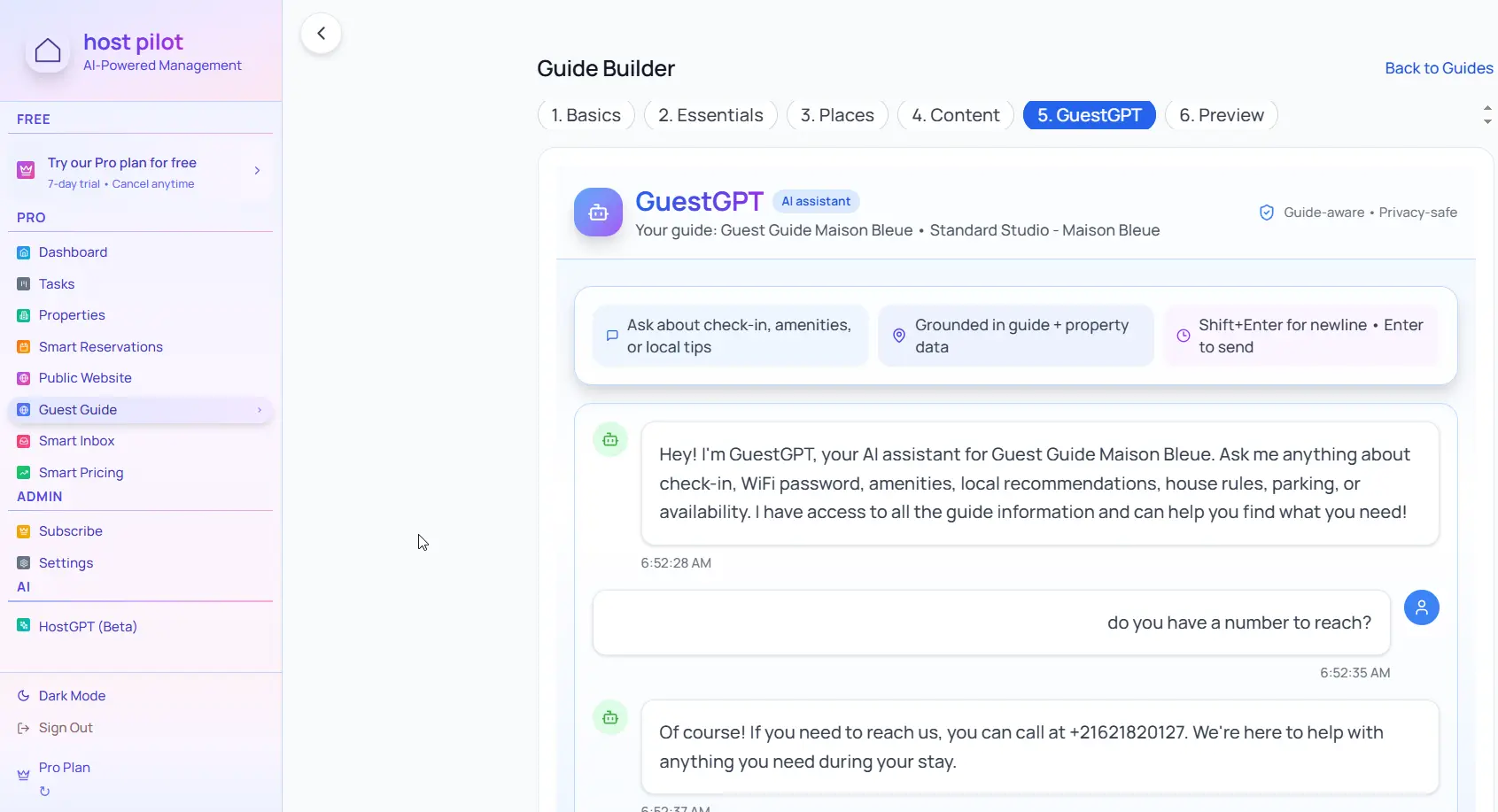
Puntos clave
- •Los huéspedes usan el móvil para WiFi, check-in y recomendaciones.
- •El formato móvil debe cargar rápido y ser fácil de leer.
- •Evita PDFs: son incómodos en pantallas pequeñas.
Usa tu guía huéspedes móvil con la automatización de Booking.com
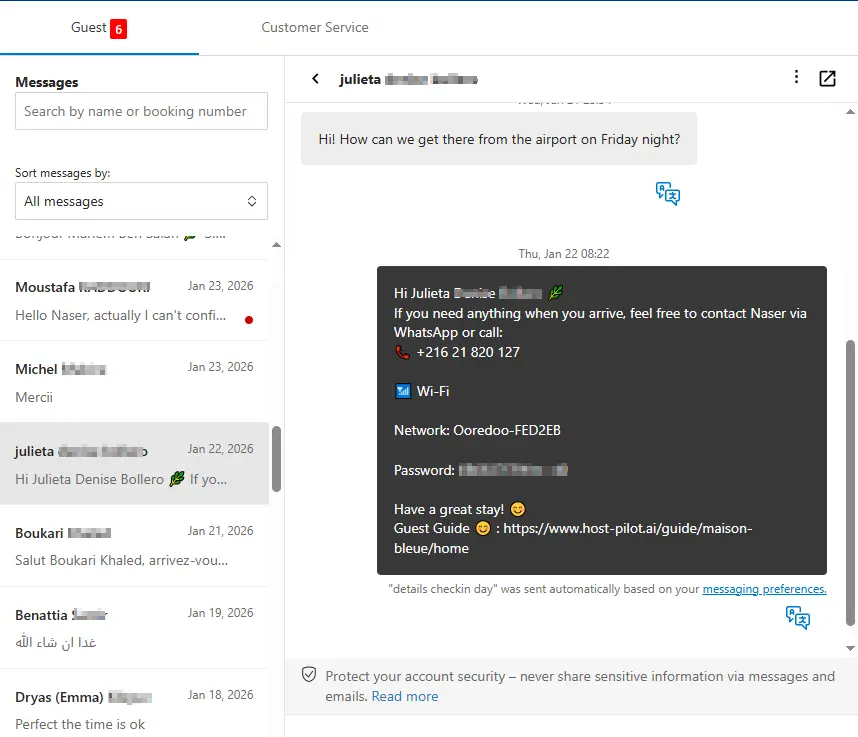
Ya sea que estés creando un guía huéspedes móvil o mejorando uno existente, puedes conectarlo a Booking.com y usar el mismo enlace de guía en mensajes automáticos. Los huéspedes reciben respuestas coherentes y tú menos preguntas repetidas, sin importar el canal de reserva.
Problemas habituales de los anfitriones
- •Los PDFs son difíciles de leer en móvil
- •Páginas web no adaptadas a pantallas pequeñas
- •Los huéspedes no encuentran la información cuando la necesitan
- •Contenido que no se muestra bien en móvil
Qué debe incluir una buena solución
- •Formato web optimizado para móvil que se adapta a la pantalla
- •Secciones claras con enlaces directos a WiFi, check-in, etc.
- •Carga rápida y sin necesidad de descargas
- •Legible sin hacer zoom
Consejos prácticos de anfitriones con experiencia
- Prueba tu guía en tu propio móvil antes de compartirla.
- Usa encabezados claros para que la búsqueda sea rápida.
- Mantén párrafos cortos para lectura en pantalla pequeña.
- Coloca WiFi y check-in al principio.
Acción: Elige una práctica de esta guía para implementar esta semana. Pruébala con tu próxima reserva y mide el impacto en preguntas y reseñas.
Opciones comparadas
Elige el enfoque que mejor se adapte a tus necesidades.| Opción | Mejor para | Por qué funciona o no |
|---|---|---|
| Estático | Difícil de leer en móvil, requiere zoom y desplazamiento. | |
| Página web no adaptada | Desajustada | Texto pequeño, navegación incómoda. |
| Guía optimizada para móvil | Moderno | Legible, rápida y fácil de usar en el teléfono. |
Dónde encaja Host Pilot
- •Guías diseñadas para móvil desde el inicio.
- •Acceso por enlace o código QR sin descargas.
- •Formato que se adapta a cualquier dispositivo.
Preguntas frecuentes
¿Por qué es importante el formato móvil?+
Los huéspedes buscan WiFi, check-in y recomendaciones en el móvil. Un formato móvil hace que encuentren todo al instante.
¿Los PDFs sirven para guías de huéspedes?+
No recomendado. Los PDFs son incómodos en pantallas pequeñas. Mejor usar una guía web optimizada para móvil.
¿Necesitan los huéspedes descargar una app?+
No. Una guía web accesible por enlace o QR funciona en cualquier navegador sin descargas.
Guías relacionadas
¿Listo para crear tu guía de huéspedes?
Usa esta guía para crear una guía efectiva para tu propiedad. Cuando estés listo, Host Pilot puede ayudarte a crear guías optimizadas para móvil con códigos QR, recomendaciones locales y actualizaciones fáciles.