Guía para huéspedes con código QR: Acceso rápido en alquileres vacacionales
Los códigos QR permiten que los huéspedes accedan a tu guía con un solo escaneo. Colócalos en la entrada, la cocina y cerca del router WiFi.
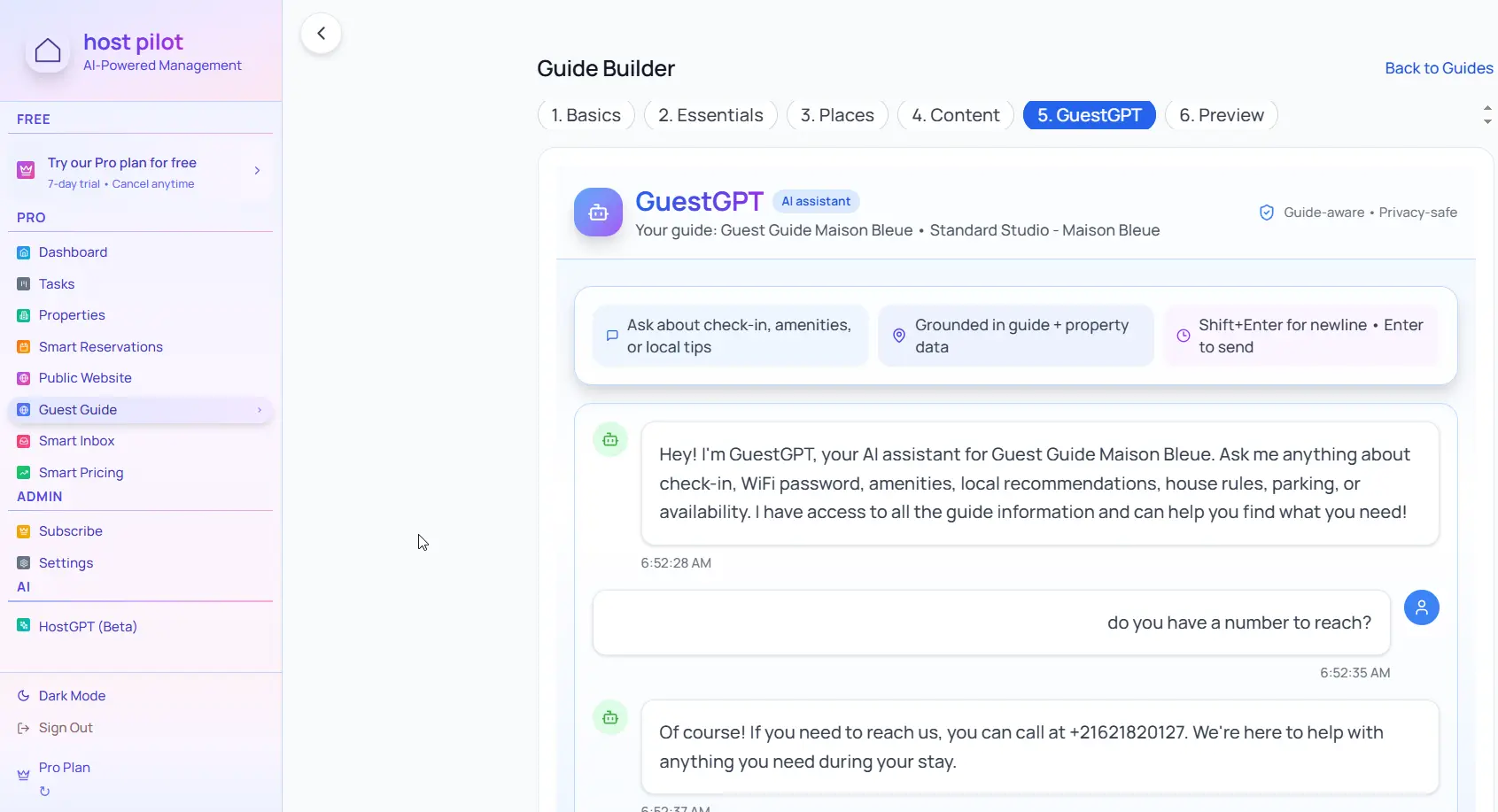
Puntos clave
- •Los códigos QR ofrecen acceso instantáneo sin escribir URLs.
- •Coloca códigos en puntos clave: entrada, WiFi, cocina.
- •Un solo código puede llevar a la guía completa.
Usa tu guía huéspedes código qr con la automatización de Booking.com
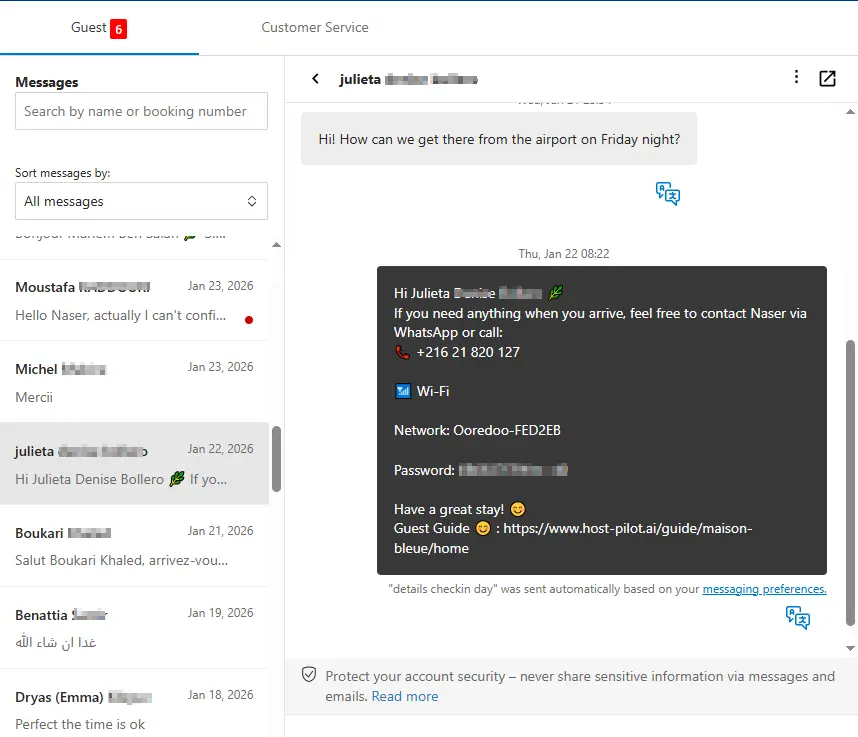
Ya sea que estés creando un guía huéspedes código qr o mejorando uno existente, puedes conectarlo a Booking.com y usar el mismo enlace de guía en mensajes automáticos. Los huéspedes reciben respuestas coherentes y tú menos preguntas repetidas, sin importar el canal de reserva.
Problemas habituales de los anfitriones
- •Los huéspedes no recuerdan el enlace de la guía
- •Escribir URLs largas es incómodo en móvil
- •La guía se pierde entre mensajes y correos
- •Acceso difícil durante la estancia
Qué debe incluir una buena solución
- •Códigos QR que enlazan directamente a la guía
- •Colocación en la entrada, WiFi y zonas comunes
- •Diseño claro y fácil de escanear
- •Un código para toda la guía o códigos por sección
Consejos prácticos de anfitriones con experiencia
- Imprime códigos QR en material resistente si están en exteriores.
- Prueba que el código funcione antes de colocarlo.
- Añade un texto breve: «Escanea para ver la guía».
- Coloca uno junto al router WiFi para acceso rápido.
Acción: Elige una práctica de esta guía para implementar esta semana. Pruébala con tu próxima reserva y mide el impacto en preguntas y reseñas.
Opciones comparadas
Elige el enfoque que mejor se adapte a tus necesidades.| Opción | Mejor para | Por qué funciona o no |
|---|---|---|
| Solo enlace por mensaje | Básico | Se pierde en la bandeja, los huéspedes no lo encuentran. |
| Enlace en papel | Parcial | Hay que escribir la URL, propenso a errores. |
| Código QR en la propiedad | Ideal | Acceso al instante con un escaneo. |
Dónde encaja Host Pilot
- •Genera códigos QR para tu guía al instante.
- •Comparte por enlace o imprime para colocar en la propiedad.
- •Un solo código para toda la guía actualizada.
Preguntas frecuentes
¿Dónde colocar los códigos QR?+
En la entrada, junto al router WiFi, en la cocina o salón. Lugares donde los huéspedes buscan información.
¿Los huéspedes necesitan una app para escanear?+
La mayoría de móviles tienen cámara con lector QR integrado. No suelen necesitar app adicional.
¿Un código para toda la guía o varios?+
Un código que lleve a la guía completa suele bastar. Opcionalmente, códigos por sección (WiFi, check-in) en esos puntos.
Guías relacionadas
¿Listo para crear tu guía de huéspedes?
Usa esta guía para crear una guía efectiva para tu propiedad. Cuando estés listo, Host Pilot puede ayudarte a crear guías optimizadas para móvil con códigos QR, recomendaciones locales y actualizaciones fáciles.