Modèle contacts d'urgence : infos essentielles pour la sécurité
Les infos d'urgence doivent être accessibles et bien organisées. Incluez numéros locaux, votre contact, et urgences spécifiques au logement (utilitaires, etc.).
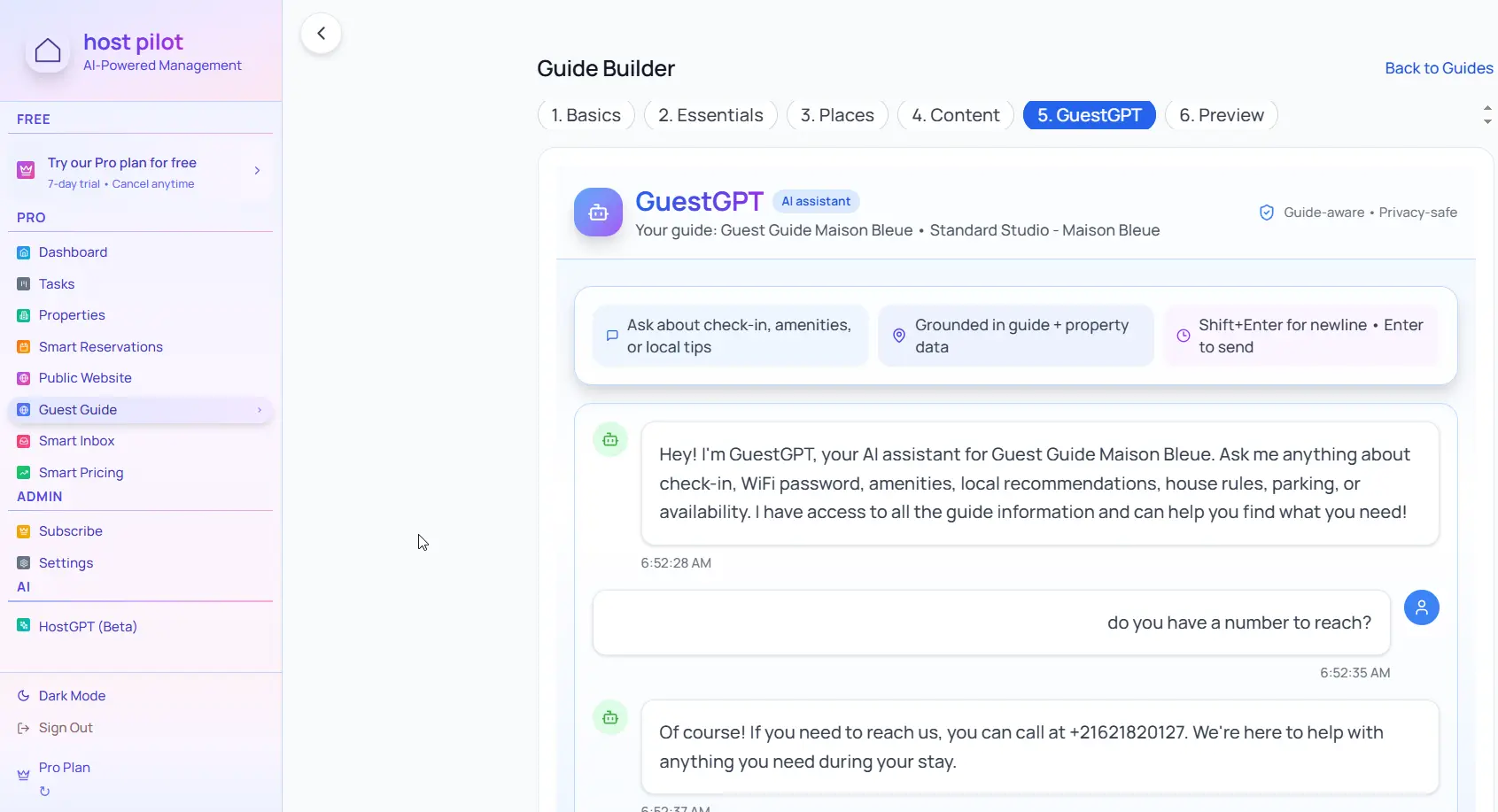
Points clés
- •Placez les contacts d'urgence en haut du guide pour accès rapide.
- •Incluez numéros locaux (police, pompiers, médical).
- •Listez urgences spécifiques : coupures, plomberie, serrurier.
Utilisez votre contacts urgence avec l'automatisation Booking.com
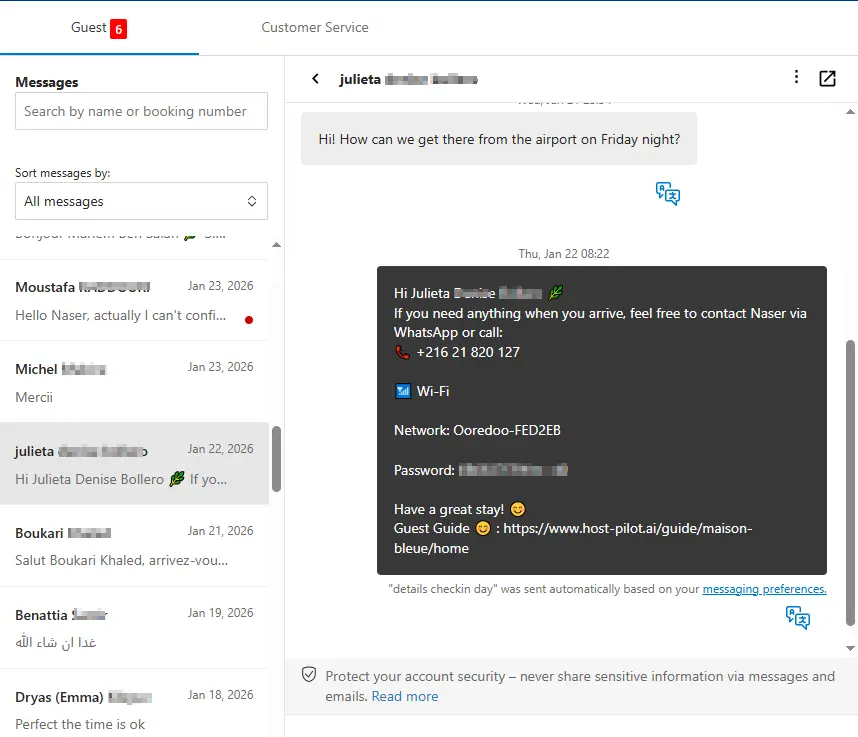
Que vous créiez un contacts urgence ou amélioriez un existant, vous pouvez le connecter à Booking.com et utiliser le même lien de guide dans les messages automatisés. Les invités reçoivent des réponses cohérentes et vous avez moins de questions répétées, quel que soit le canal de réservation.
Problèmes fréquents des hôtes
- •Les invités ne savent pas qui appeler en cas d'urgence
- •Les infos d'urgence sont noyées dans de longs messages
- •Pas de distinction claire entre urgence et non-urgent
- •Numéros d'urgence locaux manquants
Ce que doivent inclure de bonnes solutions
- •Section dédiée contacts d'urgence dans le guide
- •Hiérarchie claire : urgences immédiates vs non-urgent
- •Numéros d'urgence locaux clairement listés
- •Contacts spécifiques au logement (utilitaires, serrurier) inclus
Conseils pratiques d'hôtes expérimentés
- Incluez 15 (ou équivalent local), police non-urgent, pompiers, urgence médicale.
- Votre contact avec instructions : quand appeler vs envoyer un SMS.
- Contacts spécifiques : électricité, eau, serrurier, chauffage.
- Placez les contacts à plusieurs endroits : guide, panneau dans le logement, message check-in.
Action : choisissez une pratique de ce guide à mettre en œuvre cette semaine. Testez-la avec votre prochaine réservation.
Options comparées
Choisissez l'approche qui convient à vos besoins.| Option | Idéal pour | Pourquoi ça marche ou pas |
|---|---|---|
| Pas d'info urgence | Risqué | Les invités ne savent pas qui appeler, retarde la réaction. |
| Noyé dans les messages | Caché | Difficile à retrouver quand nécessaire. |
| Section visible | Accessible | Facile à trouver, bien organisé. |
Où Host Pilot intervient
- •Créez une section contacts d'urgence visible dans votre guide.
- •Organisez clairement : urgences immédiates vs non-urgent.
- •Mise à jour instantanée si les numéros changent.
FAQ
Quels contacts d'urgence inclure ?+
15 ou équivalent local, police non-urgent, pompiers, urgence médicale, votre contact, et contacts spécifiques (utilitaires, serrurier).
Distinguer urgences et non-urgent ?+
Oui. Indiquez clairement quand appeler le 15 vs vous contacter. Aide à réagir correctement.
Où afficher les contacts ?+
Dans votre guide (section haute), sur un panneau (entrée, cuisine), et dans le message check-in.
Guides liés
Prêt à créer votre guide invité ?
Utilisez ce guide pour créer un guide invité efficace. Host Pilot vous aide à créer des guides mobiles avec QR codes et recommandations locales.