Outils pour hôtes Airbnb qui font vraiment gagner du temps
Utilisez un kit léger pour maintenir réservations, réponses invités et turnovers en marche sans réveils de dernière minute. Cette checklist montre quoi garder, quoi abandonner et comment rester maître du flux.
Points clés
- •Gardez un calendrier unique de référence et partagez-le.
- •Utilisez validations et modèles pour aller vite tout en gardant votre marque.
- •Ajoutez des garde-fous de prix avant d'automatiser.
Ce que ce guide vous aide à décider
Le bon choix est le workflow le plus simple qui résout un problème récurrent sans compliquer le reste de vos opérations.
Utilisez les sections ci-dessous pour distinguer un besoin urgent d une fonctionnalité dont vous n avez pas encore besoin. Votre organisation reste ainsi utile quand le portefeuille grandit.

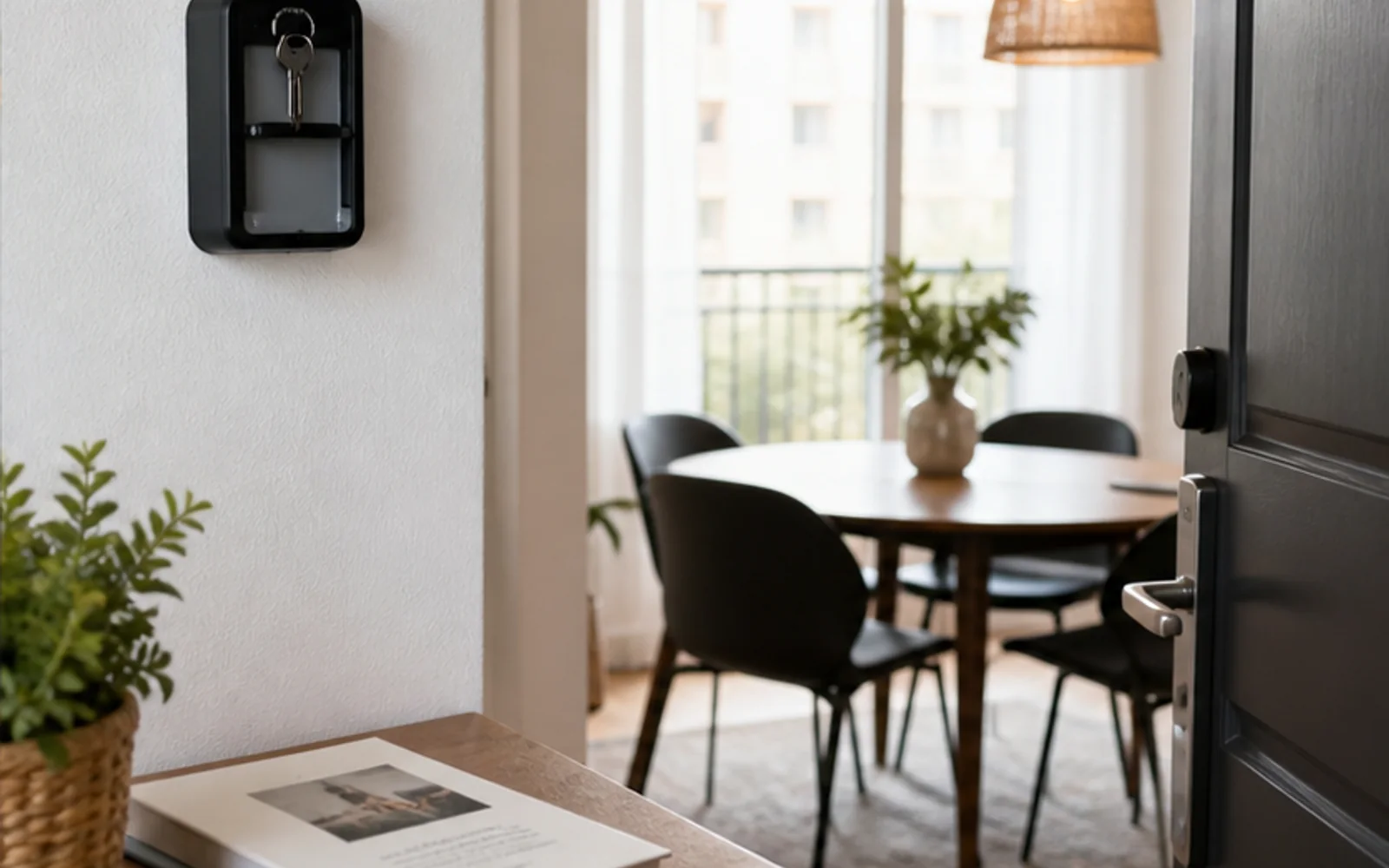
Exemple : un workflow d hôte réaliste
Il s agit d un exemple réaliste, pas d un témoignage client. Un hôte de deux appartements voit la même tâche glisser chaque semaine. Il choisit un responsable clair, une source partagée et un point de contrôle avant d ajouter un nouvel outil. La semaine devient plus sereine car chacun sait quelle est la prochaine étape.
Problèmes fréquents des hôtes
- •Alterner entre Airbnb, SMS et email pour répondre aux invités et à la ménage
- •Aucun calendrier unique sur lequel ménage et co-hôtes puissent compter
- •Les invités demandent WiFi et check-in car l'info est noyée dans les messages
- •Les changements de tarifs manuels font perdre des revenus quand la demande change
Ce que doivent inclure de bonnes solutions
- •Calendrier unifié qui bloque les dates sur tous les canaux
- •Boîte qui étiquette l'intention (check-in, incident, nouvelle demande)
- •Modèles réutilisables pour arrivées, règles et conseils locaux
- •Garde-fous de prix et disponibilité que vous validez avant publication
Conseils pratiques du quotidien d’hôte
- Gardez un calendrier « source de vérité » et partagez un accès lecture seule à la ménage.
- Écrivez des modèles courts lisibles sur mobile ; épinglez-les dans votre guide.
- Revoyez les prix chaque semaine pour ajuster séjours minimums et suppléments week-end.
- Utilisez réponses enregistrées pour questions répétées et personnalisez uniquement le message de bienvenue.
Action en cours de guide : choisissez un changement à tester cette semaine (par ex. modèle d’arrivée avec validation ou plancher tarif week‑end) et mesurez son impact.
Ce que doivent inclure de bonnes solutions
- •Calendrier unifié qui bloque les dates sur tous les canaux
- •Boîte qui étiquette l'intention (check-in, incident, nouvelle demande)
- •Modèles réutilisables pour arrivées, règles et conseils locaux
- •Garde-fous de prix et disponibilité que vous validez avant publication
Un déploiement pratique sur sept jours
Ne changez pas tous les processus en même temps. Commencez par l étape la plus pénible, testez-la pendant un cycle de réservation complet, puis documentez le résultat.
- Gardez un calendrier unique de référence et partagez-le.
- Utilisez validations et modèles pour aller vite tout en gardant votre marque.
- Ajoutez des garde-fous de prix avant d'automatiser.
Placez chaque information au bon endroit
Envoyez les informations urgentes par message, gardez les détails durables comme le Wi-Fi, le parking, le règlement et les recommandations locales dans un guide mobile, puis utilisez le site de réservation directe pour poser les attentes avant la réservation. Host Pilot peut générer ces éléments reliés depuis une annonce quand ce workflow est pertinent.
Outils et options comparés
Choisissez l’option adaptée à la taille de votre portefeuille.| Option | Idéal pour | Pourquoi ça marche ou pas |
|---|---|---|
| Tableurs + boîte Airbnb | 1–2 annonces | Économique mais sujet aux erreurs dès qu'un deuxième nettoyeur ou canal s'ajoute. |
| PMS générique | Agences | Fonctions larges, configuration lente, souvent excessif pour hôtes. |
| Host Pilot | Hôtes pratiques | Boîte intelligente, garde-fous tarifaires et guides partageables sans complexité. |
Où Host Pilot intervient
- •Boîte intelligente qui met en avant l'intention pour prioriser en quelques minutes.
- •Liens vers guides digitaux qui répondent WiFi, parking et arrivée avant qu'on pose la question.
- •Garde-fous tarifaires qui suggèrent des changements ; vous validez chacun.
FAQ
Par quels outils commencer ?+
Commencez avec un calendrier, des modèles d'arrivée et un guide partageable. Ajoutez les garde-fous tarifaires ensuite.
Ai-je besoin d'une app séparée pour la ménage ?+
Si votre calendrier est partageable et que vous envoyez des turnovers planifiés, peut-être pas. Utilisez une app dédiée uniquement quand plusieurs équipes ou villes créent des conflits.
Comment éviter la sur-automatisation ?+
Gardez des validations sur tout ce qui touche à l'argent ou aux avis. Utilisez modèles et étiquettes d'intention, pas envoi automatique.
Guides liés
Gardez l’hébergement simple
Utilisez ce guide pour resserrer votre flux de travail, puis ajoutez les outils qui vous font gagner le plus de temps. Quand vous serez prêt, Host Pilot gèrera la messagerie, les garde‑fous tarifaires et les guides invités au même endroit.