Digital guidebook: Modern solution for vacation rental hosts
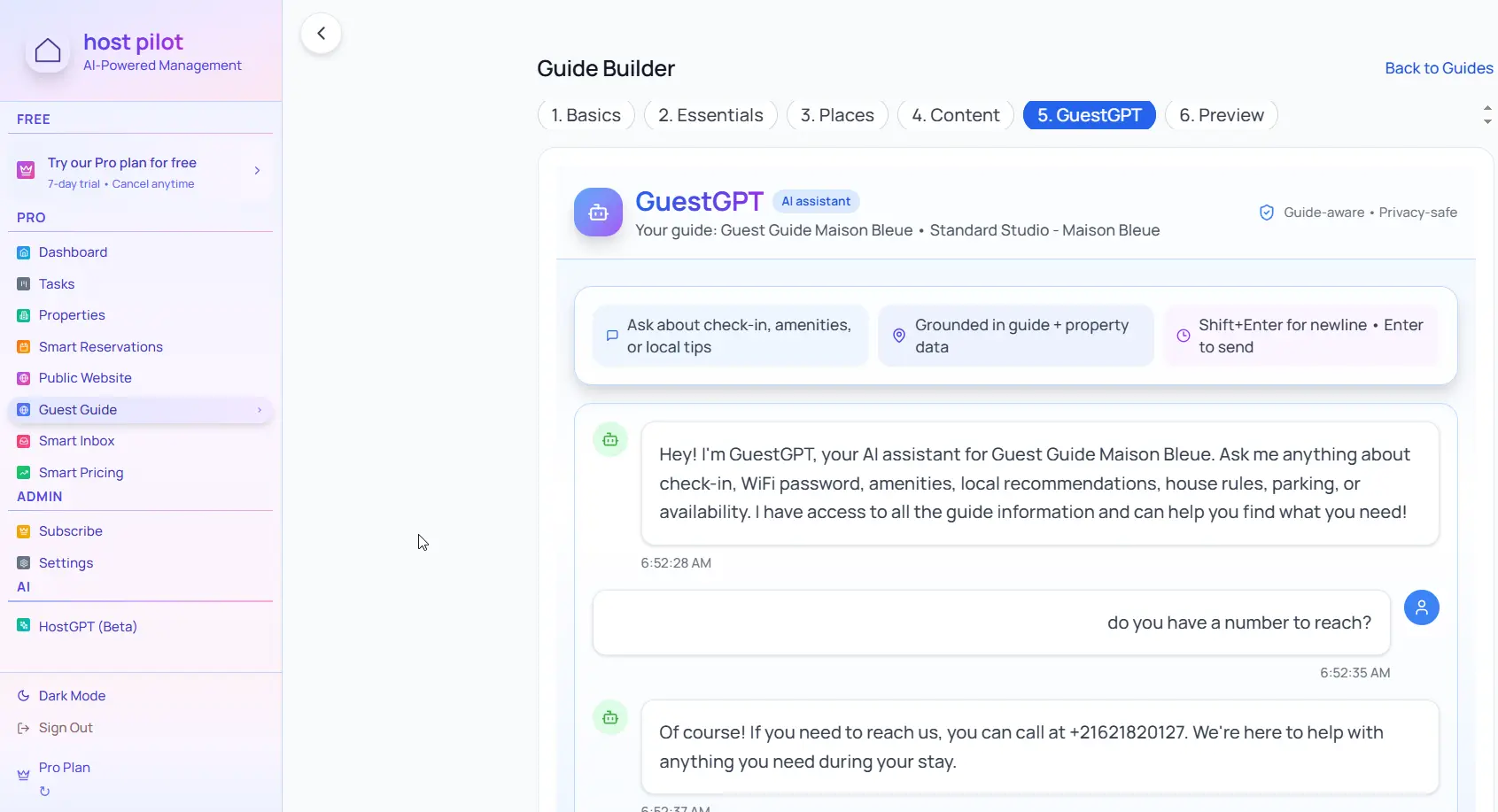
Digital guidebooks replace printed books with always-current, mobile-friendly guides that guests can access on any device. Update them instantly and share via link or QR code.
Key takeaways
- •Digital guidebooks are always up-to-date and easy to share.
- •Mobile-optimized for guests who access guides on their phones.
- •Update once and all guests automatically get the latest version.
Use your digital guidebook with Booking.com automation
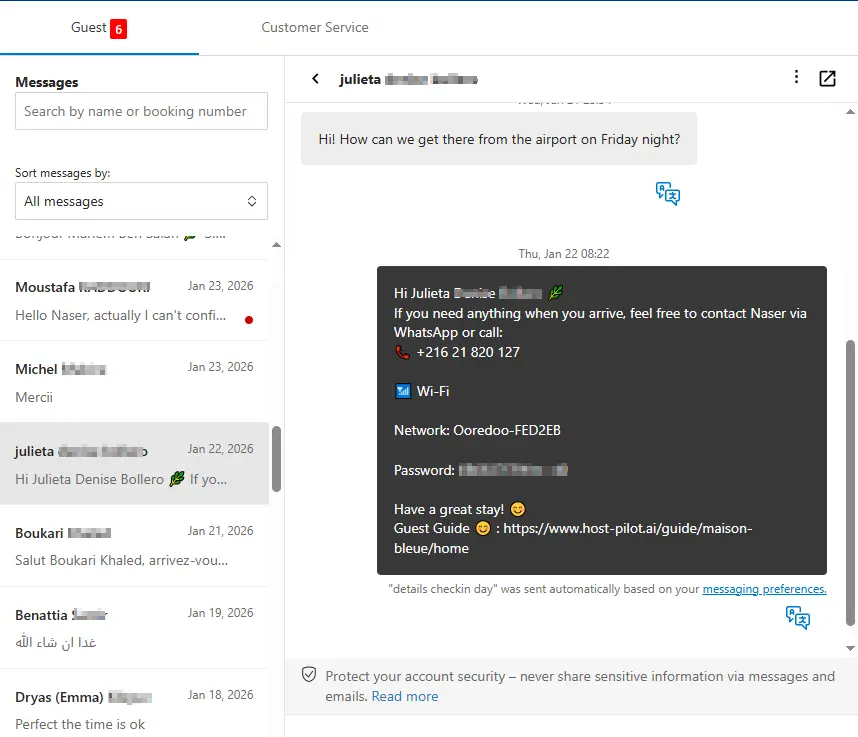
Whether you are building a digital guidebook or refining an existing one, you can connect it to Booking.com and use the same guide link in automated messages. Guests get consistent answers and you get fewer repeat questions, no matter which channel they booked on.
Common problems hosts face
- •Printed guidebooks get outdated quickly and are expensive to reprint
- •Guests forget or lose printed guides
- •Can't update information between bookings
- •Hard to share before guests arrive
What good solutions should include
- •Digital guidebook accessible via link or QR code
- •Update information instantly without reprinting
- •Share before arrival so guests can prepare
- •Mobile-friendly format works on any device
Practical tips from experienced hosts
- Share the digital guidebook link 24–48 hours before check-in.
- Place QR codes in the property for easy access during the stay.
- Update local recommendations seasonally to keep information fresh.
- Test on multiple devices to ensure it works for all guests.
Action step: Pick one practice from this guide to implement this week. Test it with your next booking and measure the impact on guest questions and reviews.
Options compared
Choose the approach that fits your needs.| Option | Best for | Why it works / doesn't |
|---|---|---|
| Printed guidebook | Traditional | Charming but expensive to update, guests may lose it. |
| PDF document | Partial | Easy to share but hard to read on mobile, still requires updates. |
| Digital guidebook platform | Modern | Always current, mobile-friendly, easy to share and update. |
Where Host Pilot fits
- •Create digital guidebooks with QR code and link sharing.
- •Update your guidebook anytime and share instantly with all bookings.
- •Mobile-optimized format ensures guests can access it on any device.
FAQ
Can I still have a printed guidebook if I use a digital one?+
Yes, many hosts use both. Digital for easy updates and sharing, printed for guests who prefer physical guides and as a backup.
Do guests need to download an app to use a digital guidebook?+
No, digital guidebooks work in any web browser. Just share the link or QR code—no downloads required.
How do I share my digital guidebook with guests?+
Send the link in your check-in message, include it in booking confirmations, and place QR codes in the property for easy access.
Related guides
Ready to create your guest guide?
Use this guide to build an effective guest guide for your property. When you're ready, Host Pilot can help you create mobile-friendly guides with QR codes, local recommendations, and easy updates.