Mobile-first guest guide: Why it matters for vacation rentals
Most guests access your guide on their phones, not laptops. Design your guest guide mobile-first to ensure it's readable, navigable, and useful when guests need it most.
Key takeaways
- •Over 80% of guests access guides on mobile devices.
- •Mobile-optimized guides load faster and are easier to navigate.
- •Large fonts, clear buttons, and simple navigation are essential for mobile.
Use your mobile guest guide with Booking.com automation
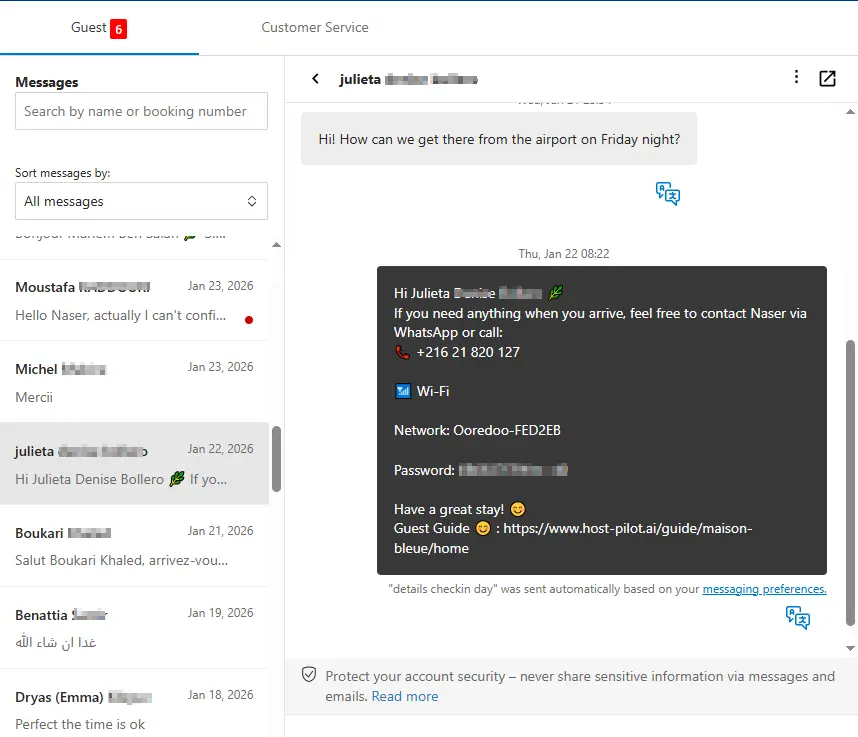
Whether you are building a mobile guest guide or refining an existing one, you can connect it to Booking.com and use the same guide link in automated messages. Guests get consistent answers and you get fewer repeat questions, no matter which channel they booked on.
Common problems hosts face
- •Guides designed for desktop are hard to read on small screens
- •Tiny fonts and small buttons frustrate guests trying to find information
- •PDFs and documents don't format well on mobile devices
- •Slow loading times on mobile data connections
What good solutions should include
- •Mobile-first design that works perfectly on phones and tablets
- •Large, readable fonts and touch-friendly buttons
- •Fast loading times optimized for mobile networks
- •Simple navigation that doesn't require pinching or zooming
Practical tips from experienced hosts
- Test your guide on an actual phone, not just desktop view.
- Use large fonts (at least 16px) and plenty of white space.
- Keep sections short and use clear headings for easy scrolling.
- Optimize images for mobile so they load quickly on slower connections.
Action step: Pick one practice from this guide to implement this week. Test it with your next booking and measure the impact on guest questions and reviews.
Options compared
Choose the approach that fits your needs.| Option | Best for | Why it works / doesn't |
|---|---|---|
| Desktop-focused guide | Traditional | Frustrating on mobile, guests give up and call with questions. |
| PDF document | Rigid | Hard to read on small screens, requires zooming and scrolling. |
| Mobile-first guide | Modern | Designed for phones, fast, easy to use, guests actually read it. |
Where Host Pilot fits
- •All guest guides are built mobile-first and optimized for phones.
- •Fast loading times and responsive design work on any device.
- •Touch-friendly navigation makes it easy for guests to find information.
FAQ
Why does mobile-first matter for guest guides?+
Most guests check guides on their phones, especially during check-in. If your guide isn't mobile-friendly, guests won't use it and will call you instead.
Can I still view a mobile-first guide on desktop?+
Yes, mobile-first guides work on all devices. They're optimized for phones but still readable on tablets and computers.
How do I test if my guide is mobile-friendly?+
Open it on your phone, try to find information quickly, and ensure you don't need to zoom or scroll horizontally. If it's easy to use, you're good.
Related guides
Ready to create your guest guide?
Use this guide to build an effective guest guide for your property. When you're ready, Host Pilot can help you create mobile-friendly guides with QR codes, local recommendations, and easy updates.