Emergency contacts template: Essential information for guest safety
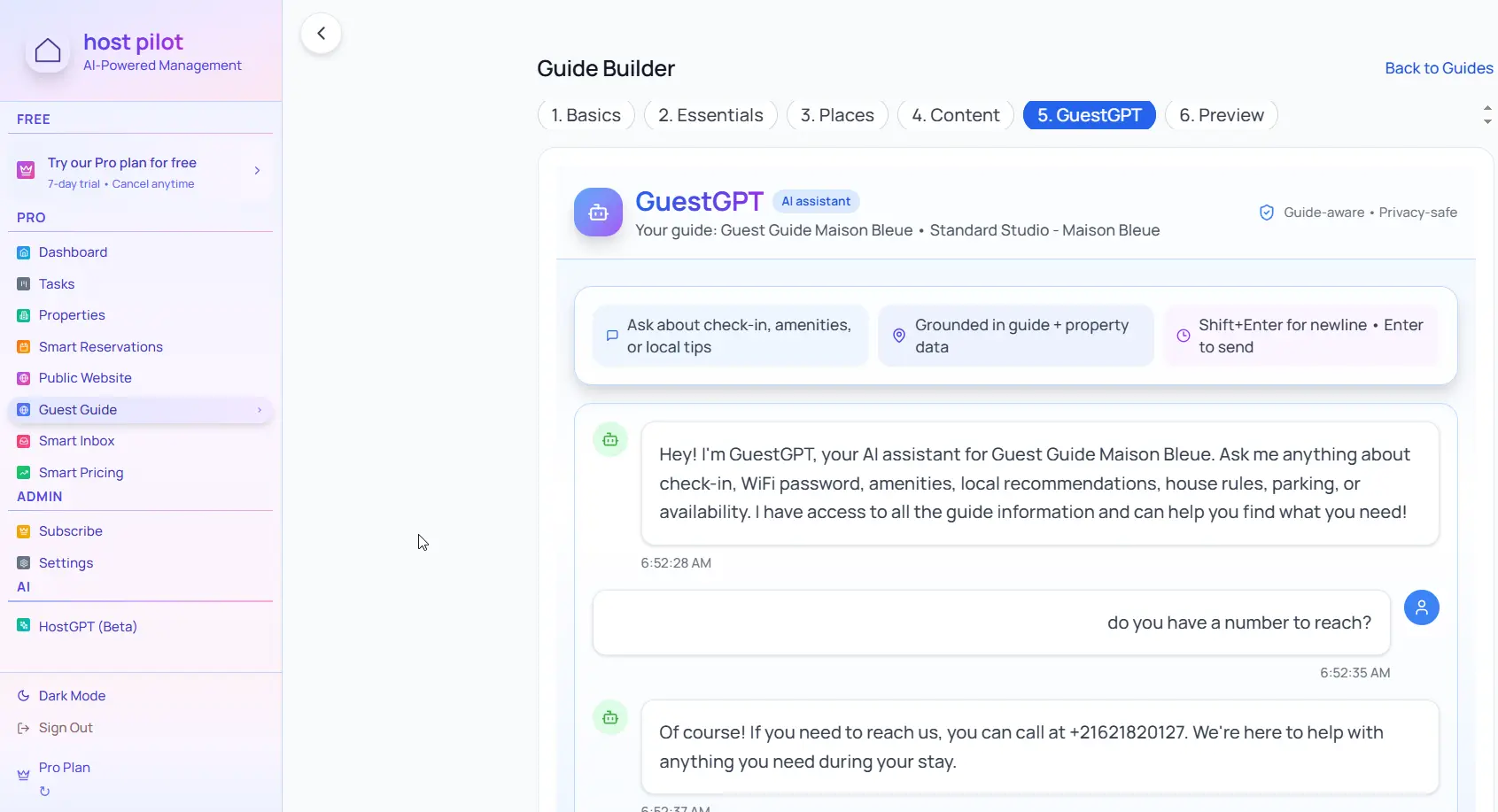
Emergency information should be easily accessible and clearly organized. Include local emergency numbers, your contact info, and property-specific emergencies like utility contacts.
Key takeaways
- •Place emergency contacts at the top of your guest guide for quick access.
- •Include local emergency numbers (police, fire, medical) for the area.
- •List property-specific emergencies: power outages, plumbing, locksmiths.
Use your emergency contacts with Booking.com automation
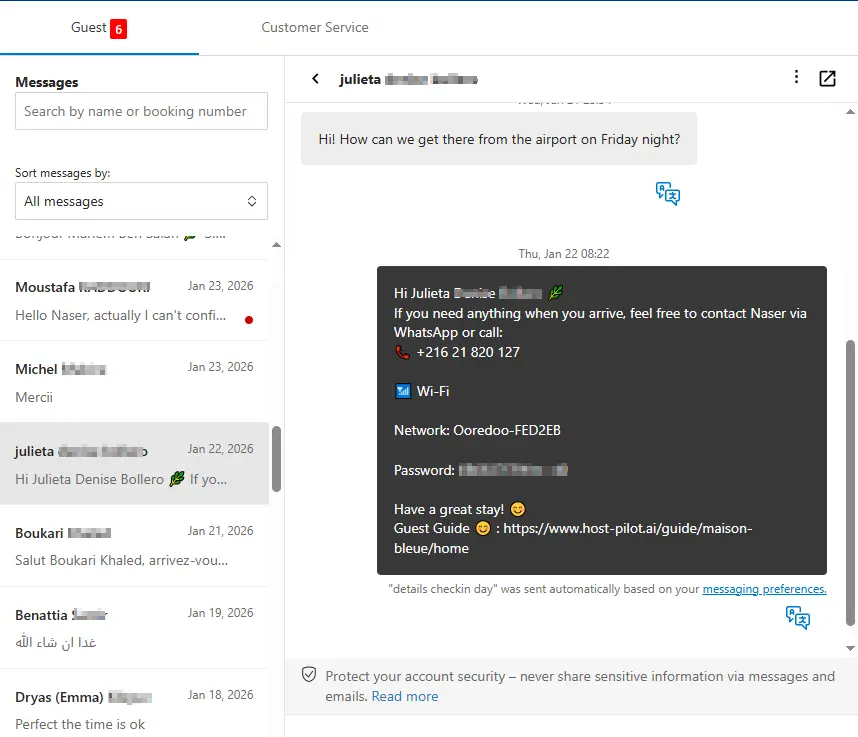
Whether you are building a emergency contacts or refining an existing one, you can connect it to Booking.com and use the same guide link in automated messages. Guests get consistent answers and you get fewer repeat questions, no matter which channel they booked on.
Common problems hosts face
- •Guests don't know who to call in an emergency
- •Emergency information is buried in long messages
- •No clear distinction between emergencies and non-urgent issues
- •Missing local emergency numbers for the area
What good solutions should include
- •Dedicated emergency contacts section in guest guide
- •Clear hierarchy: immediate emergencies vs. non-urgent issues
- •Local emergency numbers clearly listed
- •Property-specific emergency contacts (utilities, locksmiths) included
Practical tips from experienced hosts
- Include 911 or local equivalent, police non-emergency, fire department, and medical emergency numbers.
- List your contact info with clear instructions on when to call vs. text.
- Include property-specific contacts: electric company, water utility, locksmith, HVAC repair.
- Place emergency contacts in multiple places: guest guide, property sign, and check-in message.
Action step: Pick one practice from this guide to implement this week. Test it with your next booking and measure the impact on guest questions and reviews.
Options compared
Choose the approach that fits your needs.| Option | Best for | Why it works / doesn't |
|---|---|---|
| No emergency info | Risky | Guests don't know who to call, delays response times. |
| Buried in messages | Hidden | Hard to find when needed, guests panic searching for info. |
| Prominent section | Accessible | Easy to find, clearly organized, helps guests respond quickly. |
Where Host Pilot fits
- •Create a prominent emergency contacts section in your guest guide.
- •Organize contacts clearly: immediate emergencies vs. non-urgent issues.
- •Update emergency contacts instantly if numbers or procedures change.
FAQ
What emergency contacts should I include?+
Local 911 or emergency equivalent, police non-emergency, fire department, medical emergency, your contact info, and property-specific contacts like utilities and locksmiths.
Should I differentiate between emergencies and non-urgent issues?+
Yes, clearly state when to call 911 vs. when to contact you. This helps guests respond appropriately and reduces unnecessary emergency calls.
Where should emergency contacts appear?+
In your guest guide (top section), on a sign in the property (near the front door or kitchen), and in your check-in message for reference.
Related guides
Ready to create your guest guide?
Use this guide to build an effective guest guide for your property. When you're ready, Host Pilot can help you create mobile-friendly guides with QR codes, local recommendations, and easy updates.