Airbnb guidebook and guest guide: house manual template
An Airbnb guidebook gives guests one place to find check-in details, WiFi, house rules, local tips, and support. Use it as a digital guest guide, guest book, or house manual that guests can open before arrival.
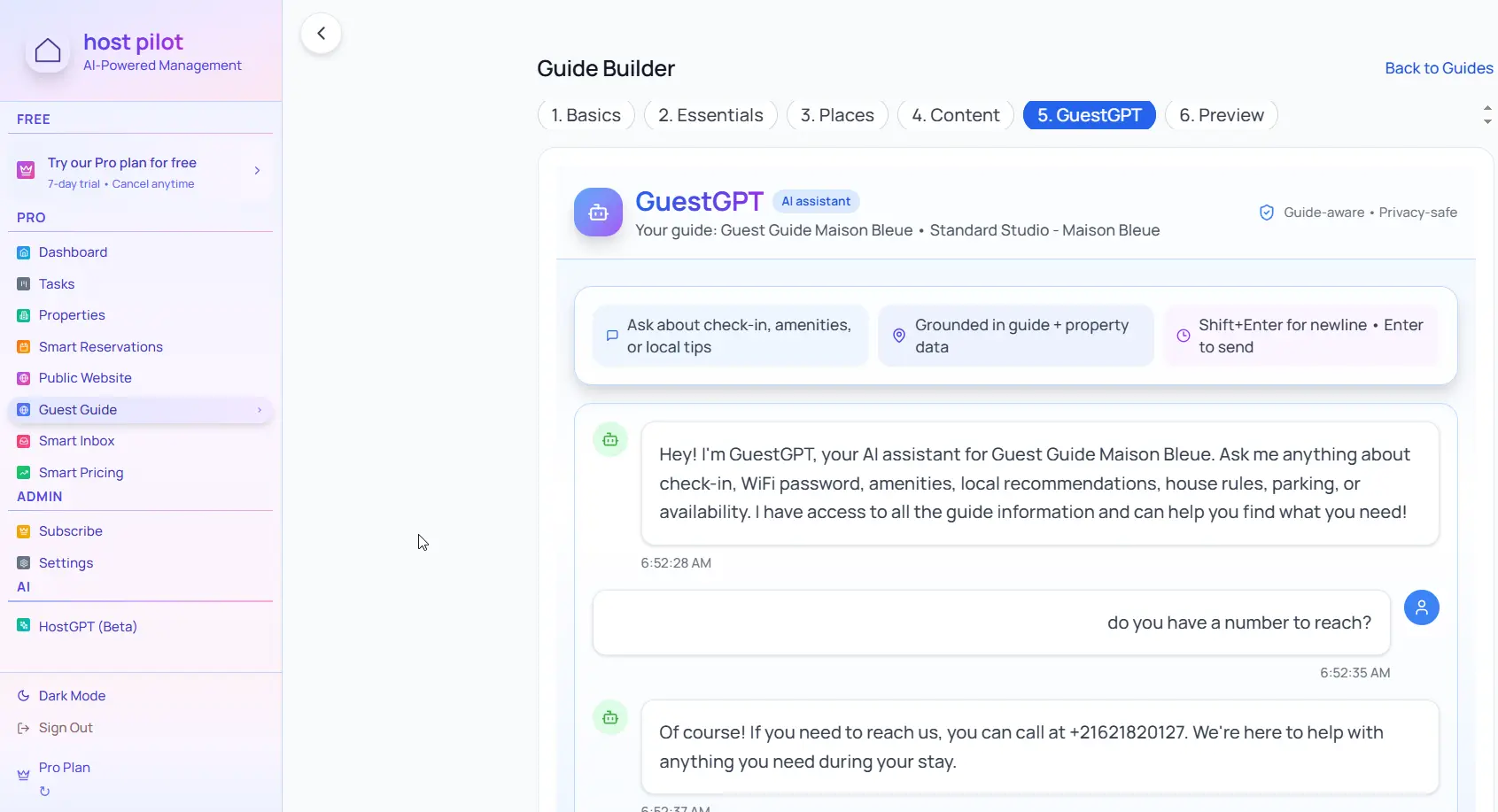
Key takeaways
- •Start with check-in instructions, WiFi, parking, and emergency contacts because guests need these first.
- •Make the guidebook mobile-friendly; most guests open it from an Airbnb message on their phone.
- •Include house rules and local recommendations in clear sections so the guide feels useful, not like a long rule list.
Use your airbnb guest guide with Booking.com automation
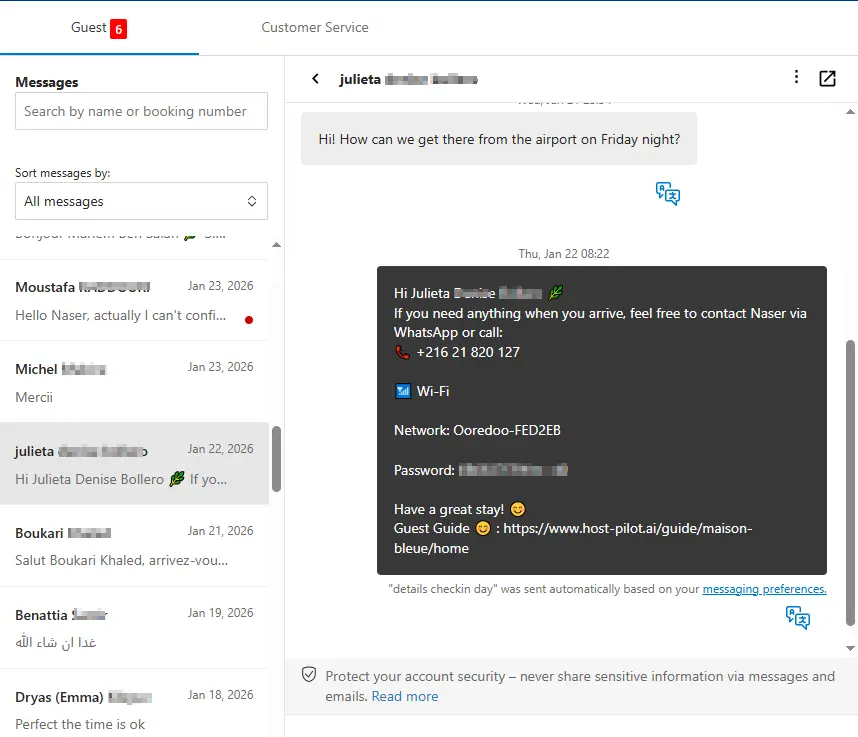
Whether you are building a airbnb guest guide or refining an existing one, you can connect it to Booking.com and use the same guide link in automated messages. Guests get consistent answers and you get fewer repeat questions, no matter which channel they booked on.
Common problems hosts face
- •Guests repeatedly ask for WiFi password and check-in details
- •House rules are buried in Airbnb messages and guests miss them
- •No central place for local recommendations, parking info, or emergency contacts
- •Guests call late at night with questions that could be answered in a guide
What good solutions should include
- •Digital Airbnb guidebook accessible by link or QR code on any device
- •Clear sections: check-in, WiFi, house manual, house rules, local tips, emergency contacts
- •Mobile-optimized layout so guests can find answers instantly
- •Update it once and share the same link for every booking
Practical tips from experienced hosts
- Put check-in instructions and WiFi at the top because guests need these first.
- Include photos of the property entrance, key lockbox location, and parking spots.
- List 3-5 local recommendations (restaurants, coffee shops, grocery stores) with walking directions.
- Add quiet hours and checkout time in multiple places to avoid confusion.
Action step: Pick one practice from this guide to implement this week. Test it with your next booking and measure the impact on guest questions and reviews.
Options compared
Choose the approach that fits your needs.| Option | Best for | Why it works / doesn't |
|---|---|---|
| PDF or printed guide | Traditional | Hard to update, easy to lose, guests forget to bring it. |
| Long Airbnb message | Quick fix | Buried in messages, hard to search, not mobile-friendly. |
| Digital guest guide | Modern solution | Always accessible, easy to update, works on any device. |
Where Host Pilot fits
- •Generate a mobile Airbnb guest guide from listing content.
- •Share one guidebook link before arrival so guests can self-serve.
- •Keep check-in instructions, house rules, local tips, and guest messages aligned.
FAQ
What is an Airbnb guidebook?+
An Airbnb guidebook is a guest-facing guide with arrival details, WiFi, house rules, local recommendations, emergency contacts, and other stay information.
Is an Airbnb guidebook the same as a house manual?+
They overlap. A house manual usually covers property instructions, while a guidebook can also include local tips, check-in details, and guest support.
Should I share the guest guide before or after booking?+
Share it before arrival, usually 24-48 hours before check-in, so guests can review access, parking, WiFi, and house rules.
How do I make my guest guide mobile-friendly?+
Use a digital guest guide that opens by link or QR code. Avoid long PDFs that are hard to read on phones.
Related guides
Ready to create your guest guide?
Use this guide to build an effective guest guide for your property. When you're ready, Host Pilot can help you create mobile-friendly guides with QR codes, local recommendations, and easy updates.