Parking information guide: Help guests park safely and correctly
Parking confusion leads to violations, towing, and frustrated guests. Provide clear parking information including spots, permits, restrictions, and alternatives.
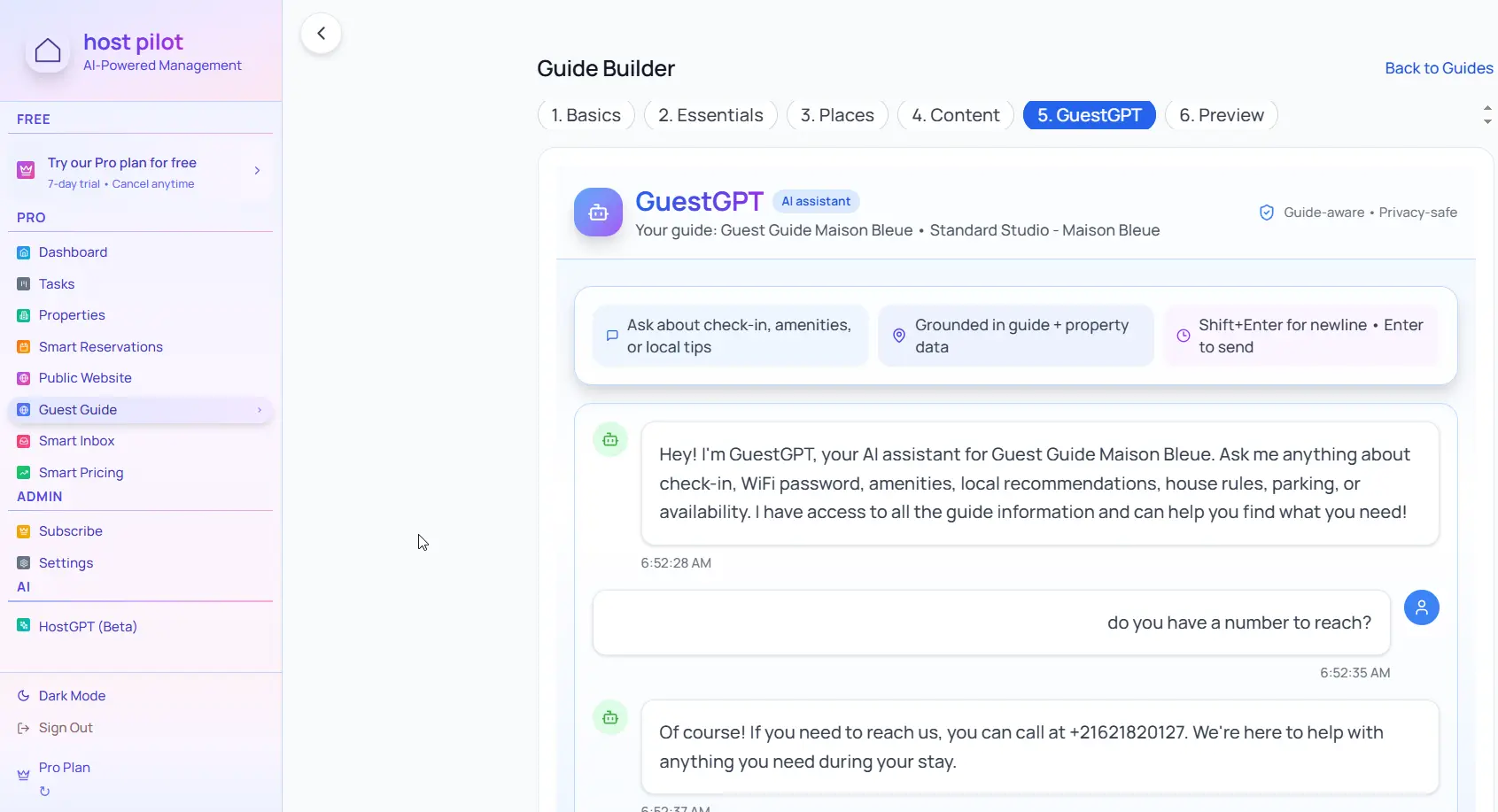
Key takeaways
- •Include parking spot numbers or locations clearly.
- •List parking restrictions and permit requirements.
- •Provide backup parking options if on-site parking is limited.
Use your parking information with Booking.com automation
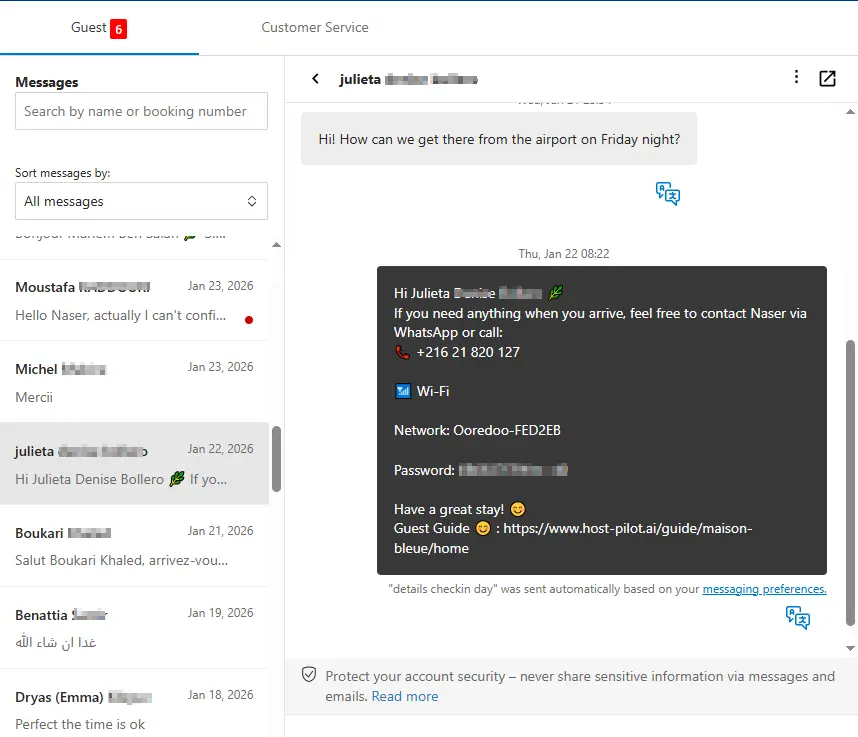
Whether you are building a parking information or refining an existing one, you can connect it to Booking.com and use the same guide link in automated messages. Guests get consistent answers and you get fewer repeat questions, no matter which channel they booked on.
Common problems hosts face
- •Guests park in wrong spots and get towed
- •Uncertain about street parking rules and permits
- •No clear instructions on where guests should park
- •Parking violations result in complaints and bad reviews
What good solutions should include
- •Clear parking instructions with spot numbers or locations
- •Photos of parking areas to help guests identify correct spots
- •Street parking rules and permit requirements clearly stated
- •Backup parking options if primary parking isn't available
Practical tips from experienced hosts
- Include photos of parking spots if you have designated spaces.
- List street parking rules: time limits, permit requirements, overnight restrictions.
- Provide directions to nearby paid parking if on-site parking is limited.
- Include towing company information in case guests park incorrectly.
Action step: Pick one practice from this guide to implement this week. Test it with your next booking and measure the impact on guest questions and reviews.
Options compared
Choose the approach that fits your needs.| Option | Best for | Why it works / doesn't |
|---|---|---|
| No parking info | None | Guests guess, park incorrectly, risk towing and violations. |
| Brief mention | Incomplete | Not enough detail, guests still have questions. |
| Detailed instructions | Complete | Clear guidance prevents violations and guest frustration. |
Where Host Pilot fits
- •Include detailed parking information in your guest guide.
- •Add photos of parking areas to help guests identify correct spots.
- •Update parking instructions if rules or spot locations change.
FAQ
What parking information should I include?+
Parking spot numbers or locations, street parking rules, permit requirements, time restrictions, and backup parking options if applicable.
Should I include photos of parking areas?+
Yes, photos help guests identify correct parking spots, especially in apartment complexes or areas with multiple similar spaces.
What if parking is complicated in my area?+
Be very detailed. Include maps if helpful, list all restrictions clearly, and provide backup options. Consider offering to help guests find parking if it's particularly difficult.
Related guides
Ready to create your guest guide?
Use this guide to build an effective guest guide for your property. When you're ready, Host Pilot can help you create mobile-friendly guides with QR codes, local recommendations, and easy updates.