Self check-in guest guide: Instructions and best practices
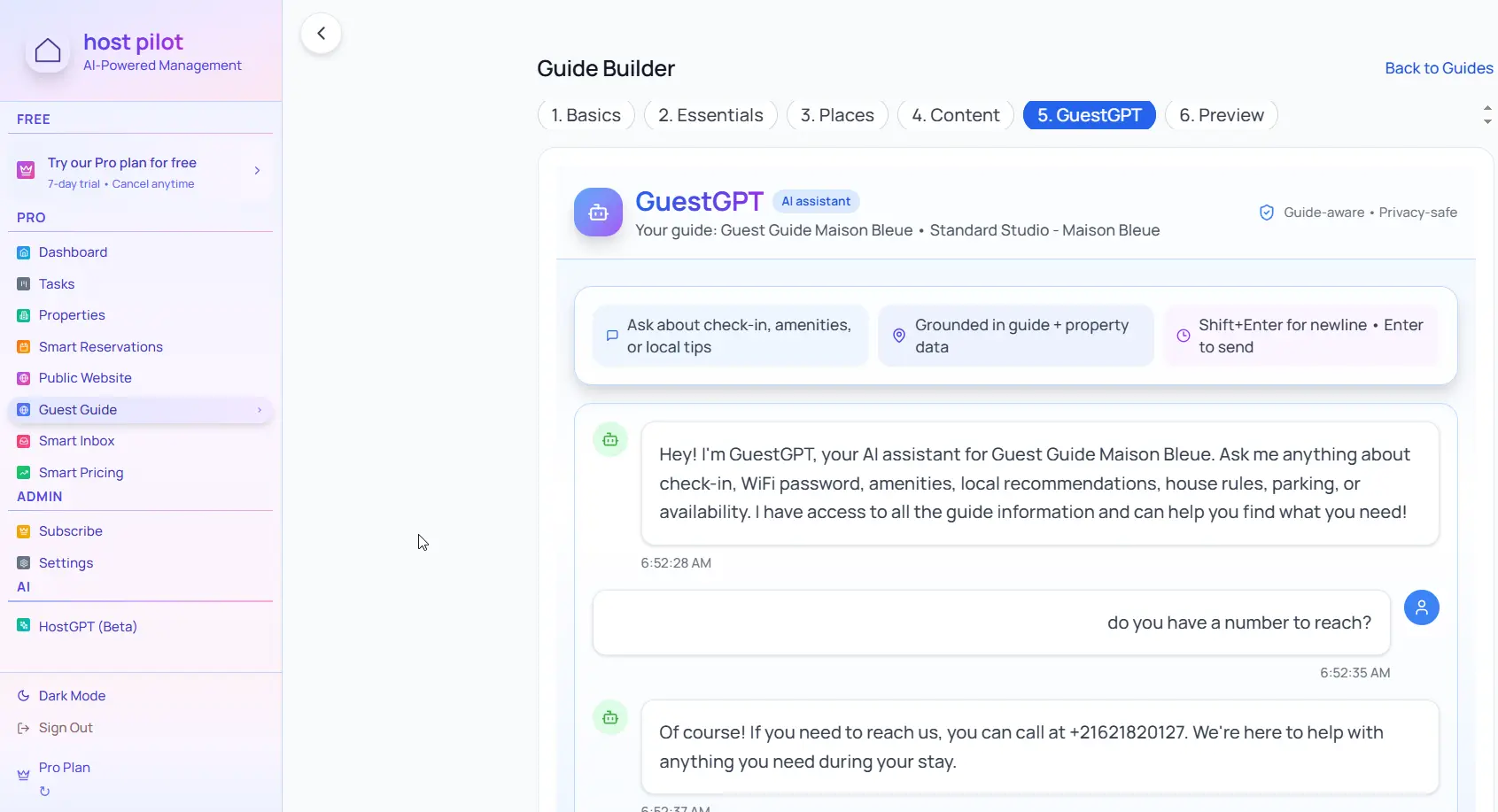
Self check-in only works if guests can actually get inside. Write clear, visual instructions that eliminate confusion and prevent late-night calls asking how to enter.
Key takeaways
- •Include photos of the entrance, lockbox location, and keypad if applicable.
- •List step-by-step instructions starting with parking and ending with entering the property.
- •Provide a backup contact method in case guests get stuck.
Use your self check-in instructions with Booking.com automation
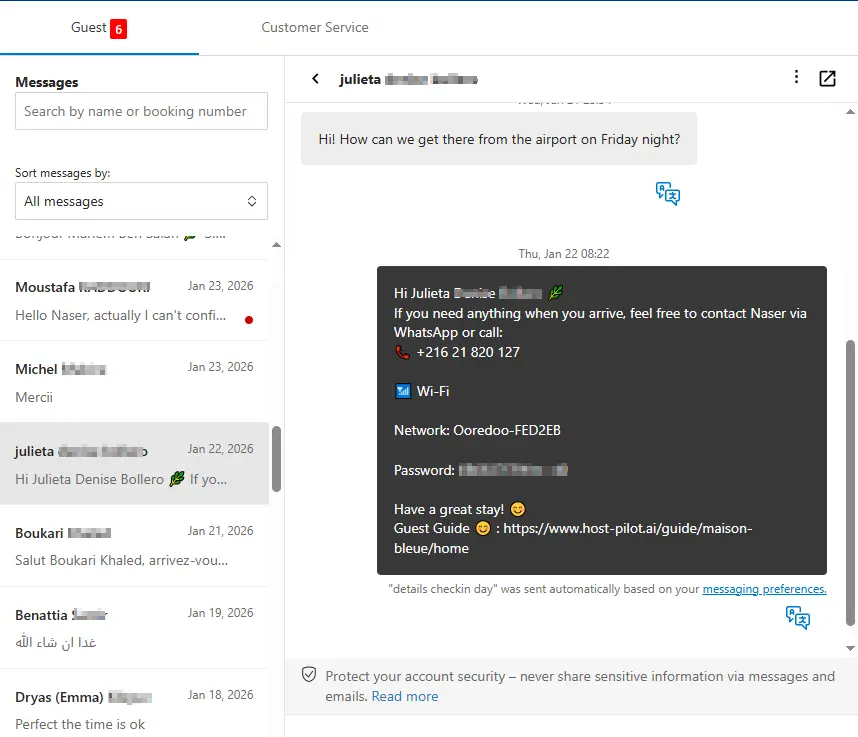
Whether you are building a self check-in instructions or refining an existing one, you can connect it to Booking.com and use the same guide link in automated messages. Guests get consistent answers and you get fewer repeat questions, no matter which channel they booked on.
Common problems hosts face
- •Guests can't find the lockbox or keypad despite instructions
- •Late-night calls asking for entry codes or key locations
- •Confusion about parking before accessing the property
- •Guests don't read instructions until they arrive and it's dark
What good solutions should include
- •Photo-guided instructions showing exact lockbox and door locations
- •Step-by-step process from parking to entering the property
- •Instructions sent 24 hours before check-in so guests can review early
- •Backup entry method and emergency contact clearly listed
Practical tips from experienced hosts
- Number your steps: "1. Park in spot #3. 2. Walk to the blue door. 3. Enter code 1234."
- Include daytime and nighttime photos if entry is in a dimly lit area.
- Test your instructions by having someone who has never visited follow them.
- Provide the lockbox code in both the guide and a separate message for redundancy.
Action step: Pick one practice from this guide to implement this week. Test it with your next booking and measure the impact on guest questions and reviews.
Options compared
Choose the approach that fits your needs.| Option | Best for | Why it works / doesn't |
|---|---|---|
| Text-only instructions | Basic | Guests get confused, especially at night or in unfamiliar areas. |
| Video instructions | Advanced | Helpful but not always accessible if internet is slow or phone battery is low. |
| Photo-guided instructions | Ideal | Clear, accessible, works offline, easy to reference during check-in. |
Where Host Pilot fits
- •Create photo-guided self check-in instructions in your guest guide.
- •Include parking, lockbox location, and entry codes all in one accessible place.
- •Send check-in instructions automatically 24 hours before arrival.
FAQ
How detailed should self check-in instructions be?+
Very detailed. Assume guests have never seen your property. Include parking, walking directions, lockbox location, codes, and what to do if something doesn't work.
Should I include the entry code in the guest guide?+
Yes, but also send it in a separate message for redundancy. Some guests don't open the guide until they arrive.
What if guests still can't get in?+
Provide a backup contact method (phone or text) and let guests know when you're available. Consider having a backup key location or lockbox.
Related guides
Ready to create your guest guide?
Use this guide to build an effective guest guide for your property. When you're ready, Host Pilot can help you create mobile-friendly guides with QR codes, local recommendations, and easy updates.