Property facts
Confirm the address, map pin, check-in window, occupancy, parking, amenities, room details, and contact route.
Import once
Turn your Airbnb or Booking.com listing into a direct booking website and guest guide.
Guest journey playbook
Airbnb guest experience automation works best when predictable information is prepared once, sent at the right moment, and backed by a clear human escalation path. Automate confirmations, arrival reminders, guide sharing, and routine follow-ups. Keep access failures, safety issues, refunds, complaints, and unusual requests under human control.

One-click starting point
Paste an Airbnb or Booking.com listing URL. Host Pilot uses it as a draft source for the property, direct-booking website, digital guest guide, and connected communication setup. Review every generated detail before publishing.
The import starts a draft. It does not move your Airbnb account, change marketplace settings, or replace channel management.
Each touchpoint has a predictable part and an exception path. Define both before turning on a schedule.
| Stage | Guest goal | Good automation | Keep human |
|---|---|---|---|
| After booking | Know the reservation is received and what happens next. | A short confirmation, key rules, and the next communication date. | Payment disputes, booking changes, special access needs, or unclear guest intent. |
| Before arrival | Find the address, timing, parking, and preparation details. | A concise pre-arrival note and a link to the reviewed guest guide. | Early arrival approval, accessibility questions, travel disruption, or identity concerns. |
| Check-in day | Enter the correct property without searching through old messages. | Time-sensitive arrival instructions only when they are ready and appropriate to share. | Lock failure, wrong unit, unsafe conditions, or a guest who cannot gain access. |
| During the stay | Solve ordinary questions quickly and know how to get help. | Guide answers for Wi-Fi, appliances, parking, house rules, and local basics. | Safety, maintenance, neighbor complaints, refunds, conflict, or anything the guide cannot verify. |
| Checkout and follow-up | Leave correctly and understand the final steps. | Reasonable checkout reminders and a simple thank-you after departure. | Damage, missing items, late checkout conflicts, complaints, or platform-resolution cases. |
Automation repeats whatever you give it. A wrong access time delivered perfectly is still a bad guest experience.
Confirm the address, map pin, check-in window, occupancy, parking, amenities, room details, and contact route.
Separate evergreen directions from door codes or other credentials. Share sensitive details only through an appropriate, controlled channel.
Keep Wi-Fi, appliance instructions, house rules, waste, transport, emergency contacts, and local recommendations in one mobile guide.
For every scheduled message, record the trigger, time zone, audience, variables, skip rule, owner, and fallback.
A host schedules the normal pre-arrival message two days before check-in. A reservation arrives at 18:00 for the same evening. The system should not blindly act as if the booking existed two days earlier.
Treat the booking as an exception and check the platform’s last-minute delivery behavior.
Confirm the reservation, arrival window, and support contact. Do not send stale preparation language.
A person confirms the property and access method are actually ready before sensitive details are sent.
The guest receives one mobile link for Wi-Fi, appliances, rules, and local basics instead of several long messages.
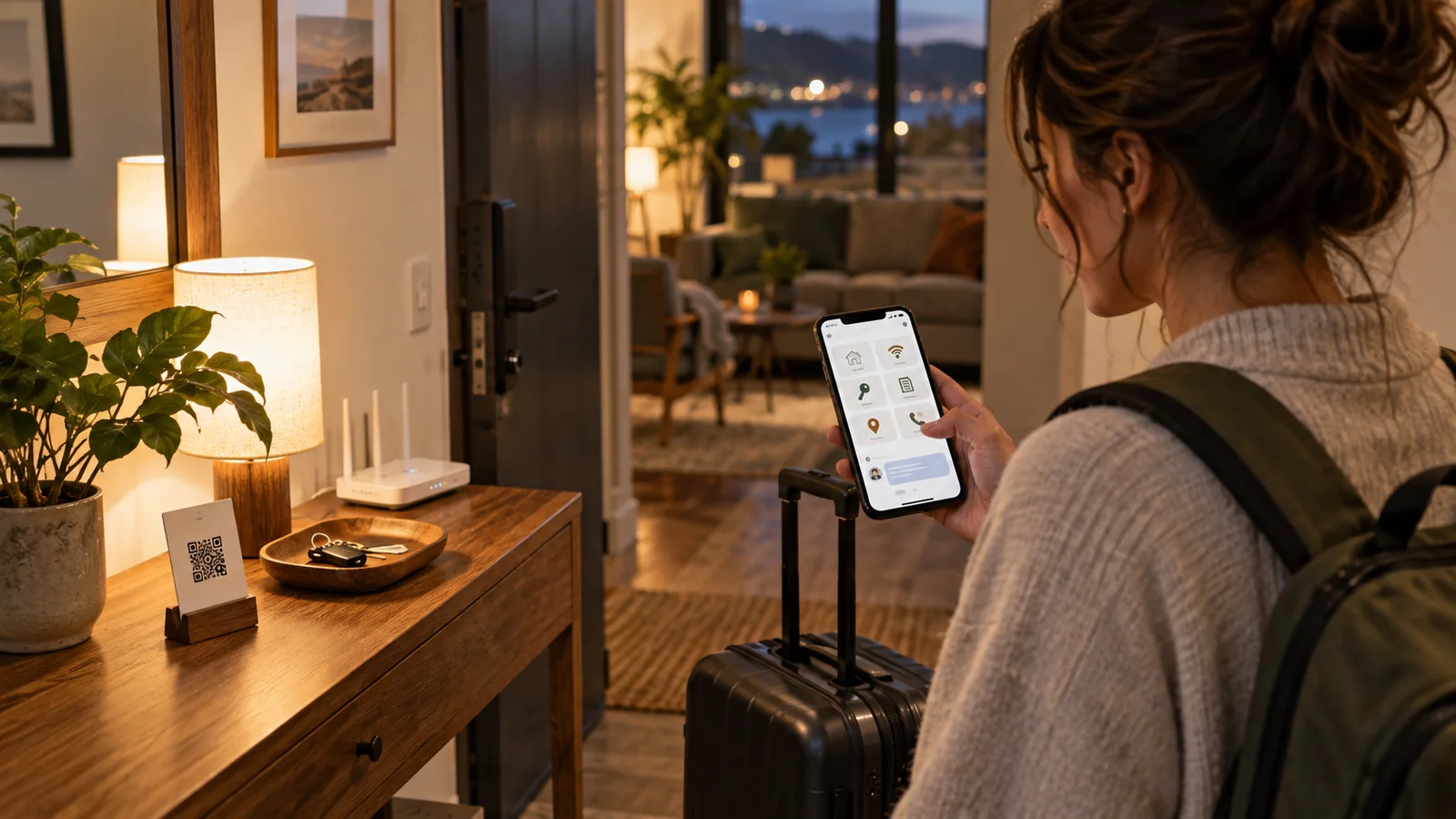
Test the whole journey with a sample reservation before applying it to every listing.
Airbnb documents how scheduled quick replies use reservation triggers, listing details, time zones, and special behavior for last-minute bookings or short stays. Review those settings in Airbnb because Host Pilot does not control Airbnb’s delivery rules.
Read Airbnb’s scheduled-message guidanceStart with predictable, low-risk touchpoints: booking acknowledgement, pre-arrival expectations, guest-guide delivery, and a reasonable checkout reminder. Define the human exception route at the same time.
Airbnb supports scheduled quick replies based on reservation events. Hosts should verify trigger timing, time zone, variables, and last-minute or short-stay behavior in their Airbnb settings.
No. Treat access credentials as sensitive and time-specific. Keep general arrival directions separate, then share the credential through an appropriate controlled channel when the property is ready.
Detailed Wi-Fi, appliance, parking, waste, house-rule, emergency, and local information usually belongs in a mobile guide. Messages should point to it and highlight only the next action.
No. Host Pilot creates and connects guest-facing assets and workflows around reviewed property data. It does not migrate an Airbnb account or replace every channel-management, accounting, or operations function.
Keep each message focused on one moment, use verified reservation variables, remove unnecessary instructions, and make the support route clear. Personalize exceptions rather than pretending every stay follows the same script.
Start with one listing, review the property facts, and test the site, guide, and communication flow before sharing them with guests.
Start with my listing