Import once

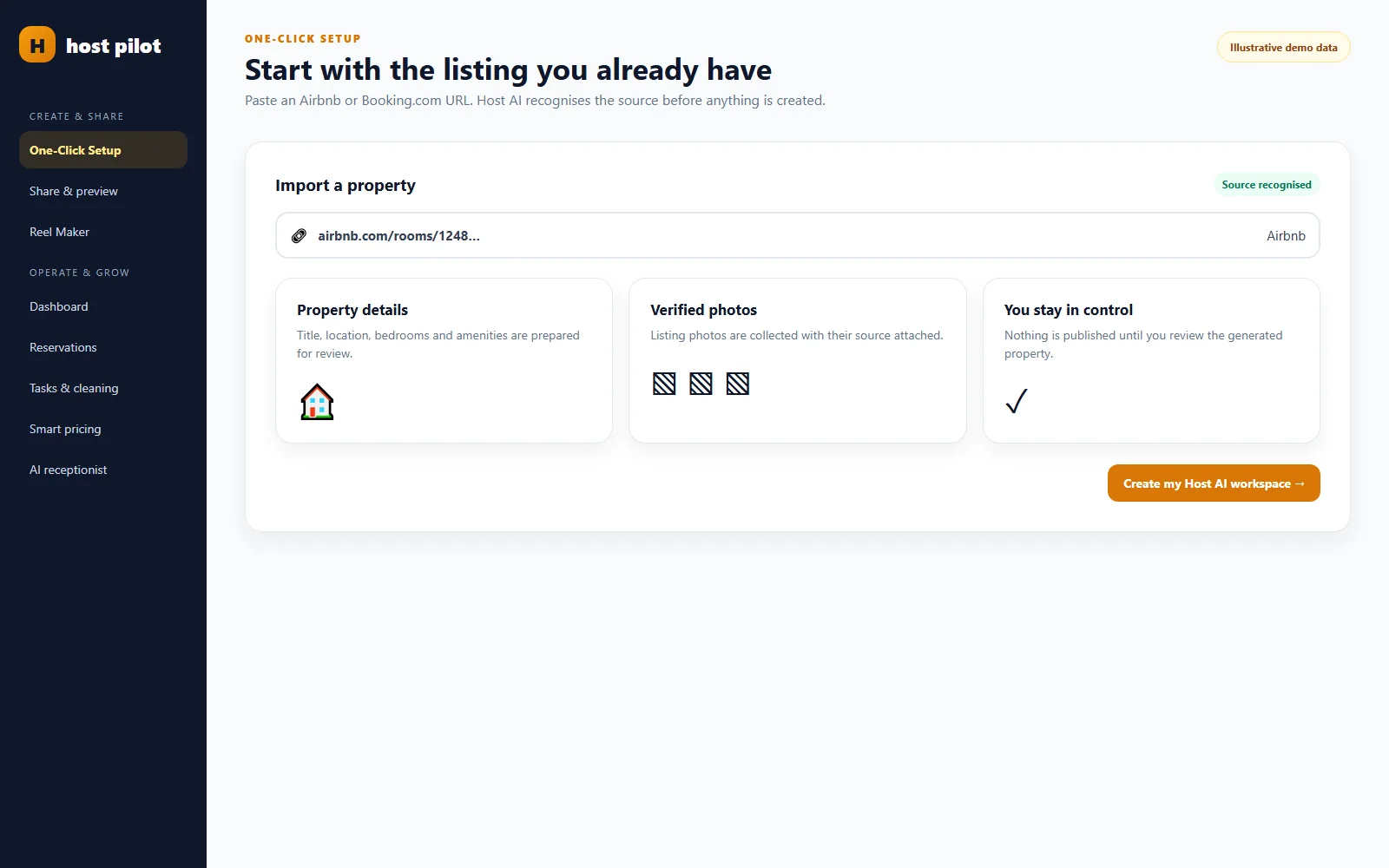
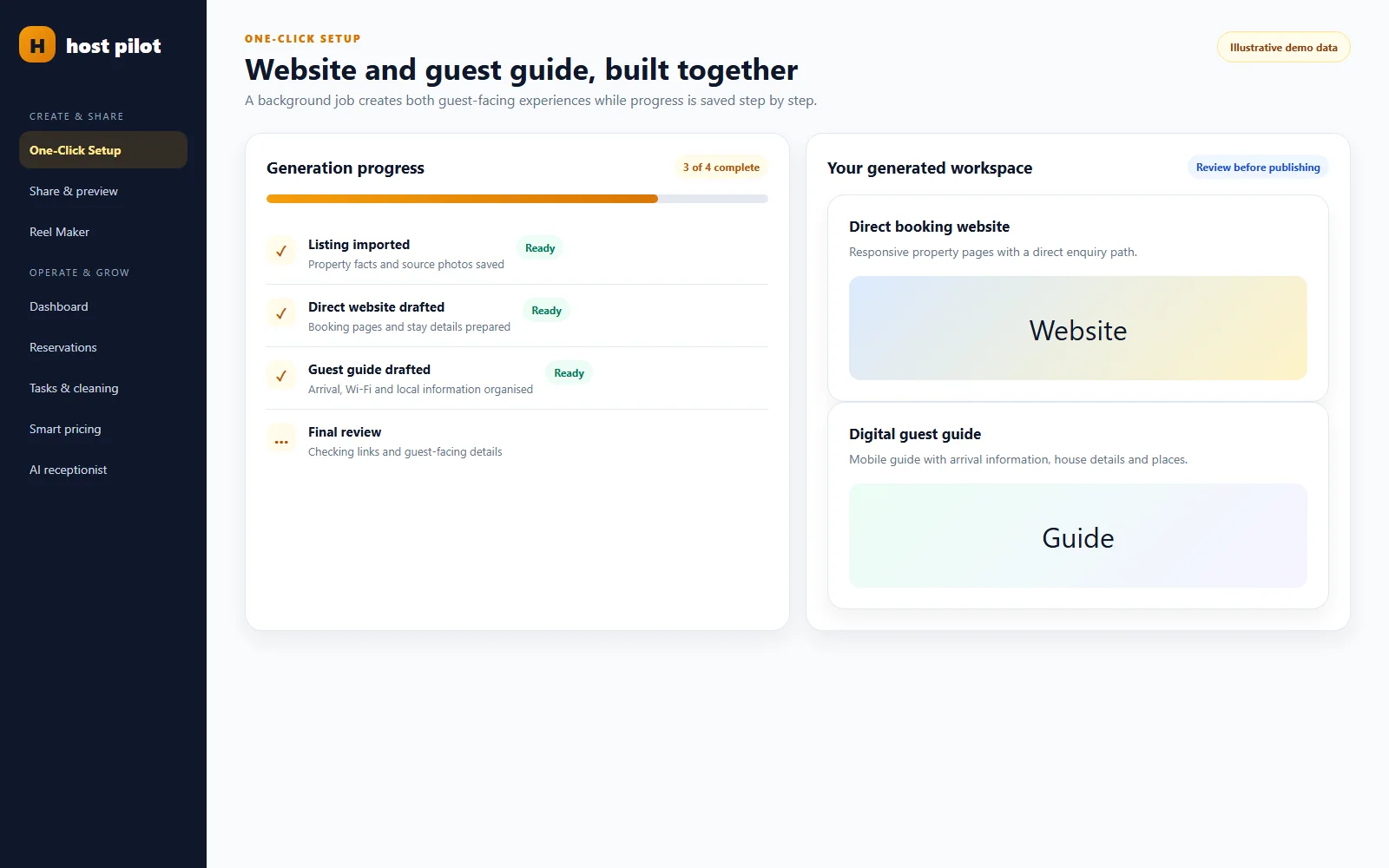
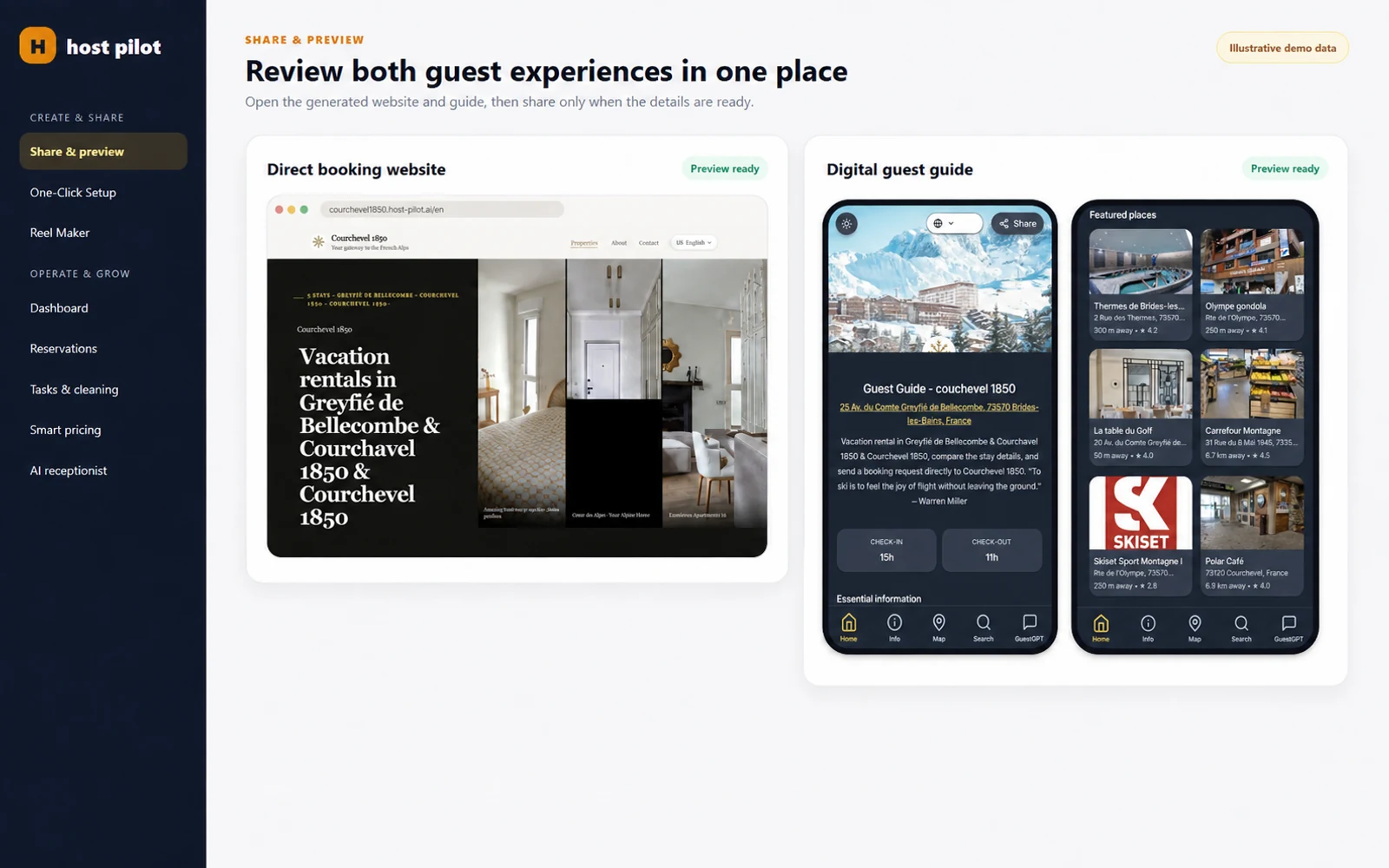
Turn your Airbnb or Booking.com listing into a direct booking website and guest guide.

Operations & setup

Import Airbnb Listings Without Rebuilding Property Details

Built for hosts with 1–10 properties

Hosts waste setup time when they have to re-enter listing details, property information, and arrival basics in every tool they try. That slows down adoption and creates inconsistencies from day one.

Direct answer

How to import Airbnb listings without rebuilding your property information

To import Airbnb listings safely, start with the existing property information, review what transfers, and verify the details guests will rely on before using the new setup. Importing should reduce re-entry; it should not be treated as proof that every availability, amenity, access, or policy detail is current.

For small hosts, a good listing-import workflow creates a useful base for a direct booking website, a digital guest guide, and guest communication. The key is to keep one review step between imported data and guest-facing publication. That preserves the time saved while giving the host control over accuracy.

Vacation rental host importing Airbnb listing details on a laptop with property notes
Importing a listing should save re-entry work while leaving the host in control of the details guests will see.
Host reviewing Airbnb listing information with a home details folder and property keys
A deliberate review turns imported listing information into an accurate guest-facing setup.

Why listing imports still need a human review

Hosts often avoid useful tools because setup sounds like another project: rewrite the property description, copy amenities, find the Wi-Fi details, rebuild messages, and create a guide from scratch. Importing a listing can remove much of that repeated work. But a listing was written for discovery and booking; it may not contain the operational detail a guest needs after booking.

The smart approach is to import Airbnb listings as a draft, then review the facts that affect a real stay. Check the property name, address handling, guest capacity, arrival instructions, parking, access, Wi-Fi, house rules, facilities, and local information. This is not busywork. It is the point where a marketing description becomes a reliable guest experience.

The reliable pattern is deliberately unglamorous: decide who owns the next action, record the decision beside the stay, and verify completion before the deadline matters. A host does not need a giant operations team to use this pattern. One person can own every action at first. The value is that the next person who opens the booking can see what has happened, what remains, and which detail should not be guessed.

Treat the booking record as a working brief, not a receipt. It should answer the questions that create expensive interruptions: who is arriving, when can they enter, what must be ready, which information has already been sent, and who should make the final call when something changes. A calendar date alone cannot carry that operational context. A clear brief can.

A practical Airbnb listing import workflow

1. Import the existing listing as the starting point

Use the listing information you already maintain instead of typing the same property basics into a new system. Confirm that you are working with the right property, especially when names or similar apartments can be confused.

2. Review the guest-critical facts first

Prioritize capacity, beds, bathrooms, access, Wi-Fi, address or meeting instructions, parking, rules, and safety information. These details affect the stay immediately. Beautiful descriptive copy can wait until the operational facts are right.

3. Turn property information into reusable assets

Use reviewed information to create a direct booking website, a digital guest guide, and a communication flow that points guests to the right detail at the right time. This is more useful than copying the same answer into every message.

4. Keep what should remain platform-specific separate

Booking policies, pricing, availability, payments, and platform rules can have different sources of truth. Do not assume an import replaces the systems that control those facts. Keep the ownership of each critical detail clear.

5. Test the guest-facing result

Open the guide or website on a phone, check links and images, and read the arrival instructions as a first-time guest would. A quick real-device test catches confusing wording and missing details before the first guest asks.

When an Airbnb listing import is the right choice

Importing is a good fit when your Airbnb listing already contains accurate property basics and you want to avoid rebuilding them before creating a guest guide or direct-booking presence. It is most valuable when it removes duplicate setup work without hiding the need for a final review.

Manual setup can be better for a brand-new property, a listing with outdated information, or a complex portfolio where content ownership is unclear. In those cases, deciding the source of truth first is more valuable than importing faster. A clean foundation makes every later workflow easier.

Build a short verification moment into every handoff. A message marked sent is not proof that the guest received the right access instructions. A task assigned is not proof that the apartment is ready. A listing copied into a new tool is not proof that its details are accurate. The useful question is always: what can we check now, before the guest is affected?

Listing import review checklist

  • Correct property selected and property name checked.
  • Guest capacity, beds, bathrooms, and amenities reviewed.
  • Access, parking, address handling, and Wi-Fi details verified.
  • House rules and safety details checked for accuracy.
  • Guest guide and direct-booking copy reviewed on a mobile device.
  • Availability, pricing, payments, and platform-specific rules remain under their correct source of truth.

Keep imported information maintainable after launch

The first import is only useful if the host knows how information stays current. Choose an owner for guest-facing content and schedule a quick review whenever access changes, a new appliance is installed, house rules change, or guests begin asking the same question. This avoids the common problem of a polished guide that slowly becomes less trustworthy than the host’s private notes.

Use guest questions as evidence about missing information, not as a reason to flood the guide with every possible detail. If several guests ask how to enter after dark, improve that instruction with a clear landmark or photo. If nobody opens a long paragraph about the neighbourhood, keep the practical arrival information prominent. The best imported setup stays useful because it is reviewed against real guest behaviour.

Realistic host scenario

Example: turning one listing into a useful guest setup

This is a realistic setup example. A host has a well-performing Airbnb listing for a one-bedroom apartment but answers the same pre-arrival questions every week. They import the listing as a starting point, review the bed configuration and parking instructions, then add the Wi-Fi password, rubbish guidance, appliance notes, and a local coffee recommendation to the guest guide.

The host does not copy every paragraph of the Airbnb listing into messages. Instead, the booking confirmation points guests to the guide, while the message only highlights the next action. The same reviewed property data can also support a direct booking website. One import becomes a starting point for several useful assets, with the host still responsible for checking what is published.

Mistakes that create avoidable guest friction

Publishing imported details without review

An import saves time, but the host should still verify guest-critical facts before they are live.

Using the listing description as the whole guest guide

Discovery copy and stay information have different jobs. Add practical instructions guests can reopen.

Assuming imported data controls availability or payments

Keep platform, calendar, pricing, and payment sources of truth clear.

Testing only on a desktop computer

Guests often open a guide on their phone, sometimes outside the property. Test that experience.

Keep exceptions visible without making the whole process complicated. Late arrivals, an extra bed, a maintenance issue, an owner block, or a guest asking for an earlier arrival can each be a short note with an owner and a due time. This is more dependable than holding important information in a chat thread, a personal memory, or a message to yourself that no one else can see.

Use one reviewed listing as a practical starting point

Host Pilot is built around the simple idea that a listing can become more useful than a marketplace page: it can help generate a direct booking website, a QR or link-based guest guide, and connected guest communication. The host remains in control of what is accurate and published.

Simple solution

Start by importing the Airbnb listing you already have so your property setup, guest guide, and operations begin with the right data.

Start free trial

2 min - see exactly how it works

Why hosts use this

Hosts usually look for import airbnb listings when they want a simpler way to handle guest communication, arrivals, bookings, or day-to-day operations without adding extra admin.

Get started faster

Importing listing details shortens the path from sign-up to a usable host workflow.

Avoid retyping property basics

Reuse the information already present in your Airbnb listing instead of rebuilding it manually.

Connect setup to the rest of operations

Imported property data gives you a cleaner base for guest guides, direct bookings, and reservation workflows.

Typical setup path

Optional example

A host starts with an Airbnb listing link, imports the property details, and then builds guest communication and operations from that imported base.

Quick FAQ

Quick answers for hosts comparing options and trying to fix guest communication, arrival, and operations pain points.

What is this?

This is an Airbnb listing import workflow that helps hosts start with their existing property data instead of manually rebuilding the same setup.

How does it work?

You import the listing information you already have and use that as the starting point for guest guides, communication, and booking operations.

Can I use it with Airbnb/Booking?

Yes. The import workflow starts with Airbnb and supports hosts who also run Booking.com as part of the same operation.

Can I import an Airbnb listing instead of entering it again?

An Airbnb listing import can provide a starting point for property information. Review the imported details before using them in a guest guide, direct-booking website, or guest communication.

What should I check after importing an Airbnb listing?

Check capacity, beds, bathrooms, amenities, arrival information, parking, Wi-Fi, rules, safety details, and the mobile guest-facing experience. Keep calendar, pricing, and payments under their intended sources of truth.

Does importing an Airbnb listing create a direct booking website?

Imported property information can be a useful starting point for a direct-booking website. The host should review the content, booking flow, availability, and policies before sharing it.

Can an imported listing create a guest guide?

Yes, reviewed listing information can help create a guest guide. Add the practical information guests need during a stay, such as access, Wi-Fi, appliances, rules, and local recommendations.

Should I replace my Airbnb listing after importing it?

No. An import is a workflow starting point, not a reason to abandon a marketplace listing. Keep each channel and its critical information maintained according to your operating plan.

Related pages

Browse nearby host workflows from the hub so you can compare practical next steps without starting over.

Start free trial

Use Host Pilot to connect guest communication, guest guides, direct bookings, and operations in one workflow built for smaller host teams.