Free host toolkit
Free guest communication tools for vacation rental hosts
Plan the right message, draft a safer reply and move repeatable property information into a guide guests can reopen.
Short answer
Use a message for a time-sensitive update, a guest guide for stable property information, private stay-specific communication for access credentials, and the booking record for payment or reservation decisions. These tools help you apply that distinction without sending or storing guest data.
Start with the task in front of you
Three tools you can use now
No login, AI generation or hidden data transfer. Every result comes from visible, reviewed rules.
Message schedule builder
Build a practical timeline from confirmation to post-stay and catch same-day or one-night collisions.
Open toolAirbnb quick reply builder
Create a short and contextual reply from reviewed templates for ten common guest situations.
Open toolGuest question checklist
Find missing information and decide what belongs in a guide, scheduled message, private message or host record.
Open toolChoose the right home for each piece of information
Time-sensitive update
Send a concise message connected to this stay.
Stable property information
Publish it in the digital guest guide so the guest can find it again.
Access credential
Share it privately, at the correct time, through the reservation channel.
Reservation or payment decision
Keep the source of truth in the booking record and secure payment workflow.
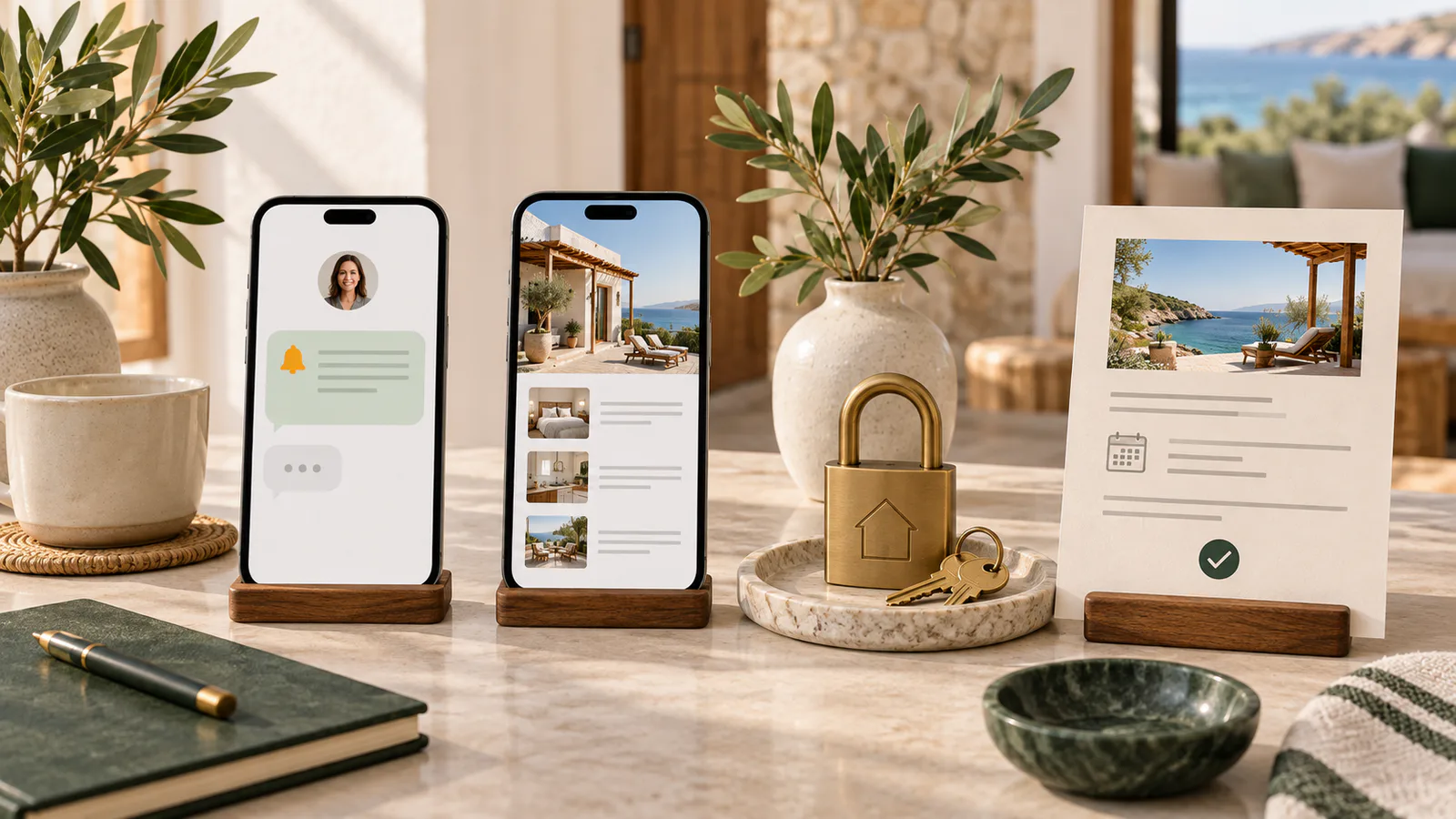

Where Host Pilot fits
A reviewed listing import can become the information foundation for a direct booking website, digital guest guide and connected communication workflow. GuestGPT can help guests find repeatable property answers from the guide. WhatsApp messages remain host-reviewed, and approved templates may be needed outside an active conversation window.
Ask HostPilot is different: it is read-only, answers from current Host Pilot account data and can open the screen where you make a change. It does not send a guest message. Hosts needing complex shared-inbox routing, contact-centre operations or comprehensive channel automation should use a specialist PMS or communications platform.
Reviewed resources
Message templates for the next stage
The toolkit plans and audits communication. These existing pages provide stage-specific examples you can adapt after checking the reservation and property facts.
Communication planning
Quick replies
Booking and pre-arrival
Check-in and first night
Checkout and post-stay
Guest guides and repeated questions
Questions hosts ask before acting
Are the guest communication tools free?
Yes. The schedule builder, quick-reply builder and guest-question checklist work without signup. The information entered into them stays in the browser tab.
Do the tools send messages to Airbnb, Booking.com or WhatsApp?
No. They create a reviewed plan or draft. You decide what is accurate, then use the appropriate reservation or messaging channel to send it.
Should every property detail go into a guest message?
No. Time-sensitive updates belong in messages. Stable property information belongs in a guest guide, while access credentials and reservation or payment decisions belong in secure, stay-specific records and channels.
Can I automate every guest message?
Automation is useful for predictable stages, but last-minute reservations, complaints, access failures, special requests and changed property conditions need a human review.
Does Ask HostPilot send guest messages?
No. Ask HostPilot is read-only. It can answer questions from current Host Pilot data and open the relevant screen, but it does not send or change guest communication.
Turn reviewed property information into a calmer guest journey
Host Pilot can start from an Airbnb or Booking.com listing and help create a direct booking website, digital guest guide and connected communication foundation. Review imported information before publishing or sending it.
Related tools
Submitted URLs and public source data are processed on our servers and by Apify and OpenAI. No signup is required. Do not submit private access details.