Import once

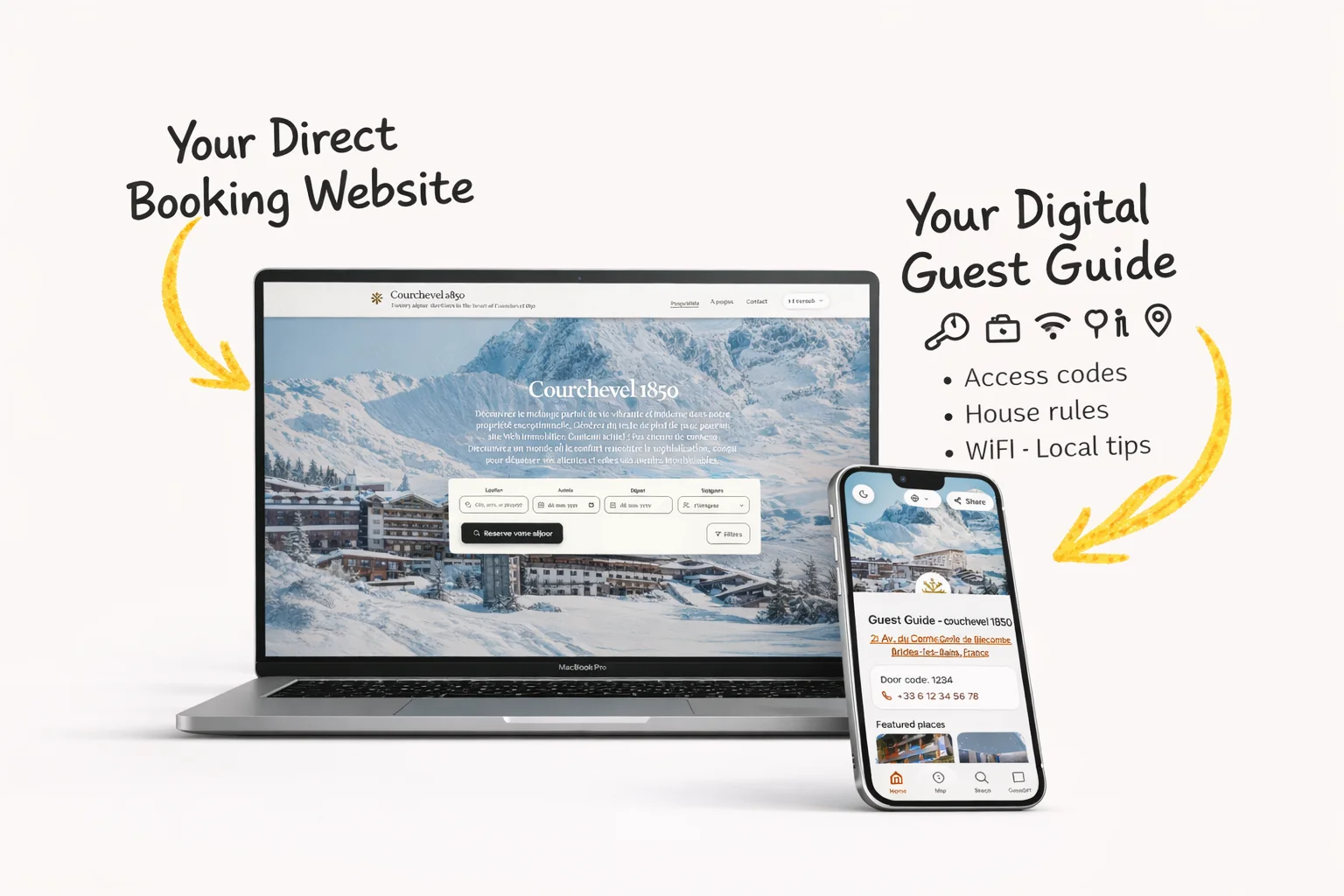
Turn your Airbnb or Booking.com listing into a direct booking website and guest guide.

Host guide

Vacation Rental Website Builder: What Hosts Should Look For

A vacation rental website builder should help guests understand the property, trust the host, and book directly. For small hosts, the best website starts from the listing you already have.

Short answer
  • A good vacation rental website builder should create mobile property pages, direct booking CTAs, trust signals, and clear guest information.
  • Small hosts should avoid complex website projects if a listing-based direct booking site solves the first problem.
  • Connect the website to a digital guest guide so repeat guests get a complete guest-ready experience.

Copyable resource

Copyable website page checklist

Use this checklist before publishing a vacation rental website.

Vacation rental website checklist:
- Property name and location summary
- Clear photos and amenities
- Direct booking CTA above the fold
- Guest guide or welcome guide link
- House rules and policies summary
- Trust signals: reviews, contact, secure payment flow
- Mobile speed and readable text
- Contact path for pre-booking questions

Real host workflow

Host workflow for a direct booking site

  1. 1Start from the strongest listing content: photos, amenities, location, rules, and guest highlights.
  2. 2Create one direct booking page that answers pre-booking questions without overwhelming guests.
  3. 3Add the guest guide and guest message flow so guests stay informed after they book.

Direct booking clarity

The page should make the next step obvious: check availability, request booking, or contact the host.

  • Clear CTA
  • Mobile layout
  • Trust signals

Guest information

A website works harder when it connects to a guest guide with arrival details, house rules, and local tips.

  • Guide link
  • House rules
  • Local recommendations

Simple setup

Small hosts usually need speed and clarity more than custom design complexity.

  • Listing import
  • Reusable copy
  • Fast updates

Options compared

Generic website builder

Hosts who want full design control

Flexible but slower to make booking-specific.

PMS website module

Managers already inside a PMS

Useful when operations are already centralized there.

Host Pilot direct booking site

Small hosts starting from a listing

Focused on speed, guest clarity, and direct booking flow.

Host Pilot angle

Host Pilot builds from your listing

Host Pilot helps small hosts turn Airbnb or Booking.com listing content into a direct booking website, guest guide, and communication flow without a heavy website project.

Turn listing content into a booking-ready website
Link the site to a digital guest guide
Keep messages and guest information consistent

FAQ

What is a vacation rental website builder?

It is a tool that helps hosts create property pages for direct bookings, guest trust, availability, and pre-booking information.

Can I create a vacation rental website from my Airbnb listing?

Yes. Host Pilot is designed around turning listing content into a direct booking website and guest-ready setup.

Should my website link to a guest guide?

Yes. A guest guide helps guests self-serve arrival, WiFi, house rules, and local tips after they book.

Related pages

Continue through the closest product and guide pages so the topic supports the main Host Pilot workflows.

GSC performance refresh

vacation rental website builder: a practical host guide

A vacation rental website builder should make it straightforward to present a real property, its booking route, and the guest experience around it. For a small host, the useful outcome is a trustworthy website built from verified listing information, not a design project that becomes hard to update.

How to make vacation rental website builder useful in day-to-day hosting

vacation rental website builder is most useful when it resolves a specific operating problem: a host needs a dependable direct presence without manually rebuilding property content in several systems. Start by documenting the guest or host moment where this breaks down, the information needed to resolve it, and the person who owns the next action. This turns a broad search into a decision a small team can actually test.

Do not judge vacation rental website builder only by a feature list. A strong workflow has one verified source for property facts, a clear handoff between guest-facing and host-facing work, and a simple way to review exceptions. The useful result is less searching, fewer conflicting instructions, and a guest who understands what happens next.

Review the complete booking cycle before making a change: discovery, reservation, pre-arrival, arrival, stay, checkout, and the opportunity to return. A tool or guide earns its place only when it improves a particular point in that cycle without creating more manual reconciliation later.

Treat the information architecture as part of the operating process. A public website should help a visitor decide whether the property fits. A booking confirmation should confirm the next step. A guest guide should hold durable stay details. A short message should handle time-sensitive prompts. When the same fact has a clear home, hosts do less copying and guests do less searching.

Before changing a workflow, collect the questions that arrive more than once and the places where a co-host has to ask for context. Those are better starting signals than a generic feature request. After the change, compare the same signals over a full booking cycle. This preserves useful human contact while removing the repetitive work that makes hosting feel reactive.

A simple measurement note makes the learning durable: record the original issue, the change made, the expected result, and the exceptions that appeared. This is especially valuable when a property, season, or team member changes. It helps the host improve the process deliberately instead of repeatedly rebuilding it from memory.
A four-step vacation rental website builder workflow

1. Define the outcome

Decide who the first visitors are: repeat guests, referrals, or new direct demand. Their questions determine what the website must answer first.

2. Build one reliable source

Use current photos, amenities, policies, and property facts as the source for the vacation rental website builder so every public description stays consistent.

3. Test a real booking cycle

Test availability, enquiry, booking, and the mobile experience with a real person before driving guests to the new website.

4. Measure and refine

Monitor where visitors hesitate, which property questions recur, and whether the website creates a clear handoff to booking and post-booking information.

Who this is for

vacation rental website builder is a good starting point for hosts who want a practical improvement to a repeatable workflow before adding more complex systems or handing the process to a larger operations team.

When another approach may fit

Choose a heavier tool or a specialist workflow when your operation needs complex accounting, multi-owner reporting, deeply customised channel controls, or a process that cannot be handled through one shared source of property information.

What good progress looks like

After implementing vacation rental website builder, review whether the correct person can find the answer faster, whether guests complete the next step with fewer questions, and whether every public or guest-facing detail still matches the property.

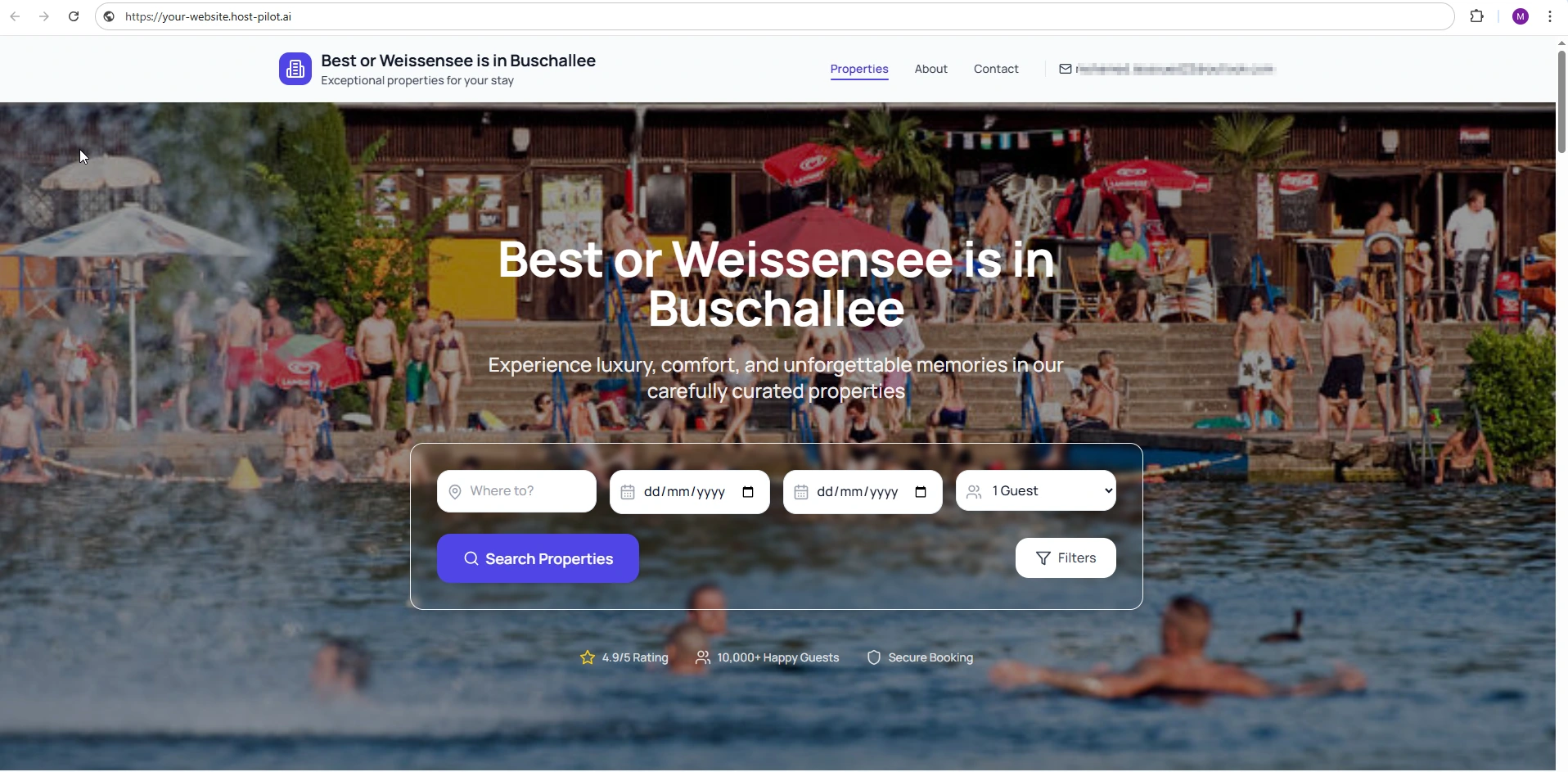
Vacation rental website builder creating a direct booking property site
A property website works best when a visitor understands the stay and next step before they need to message the host.
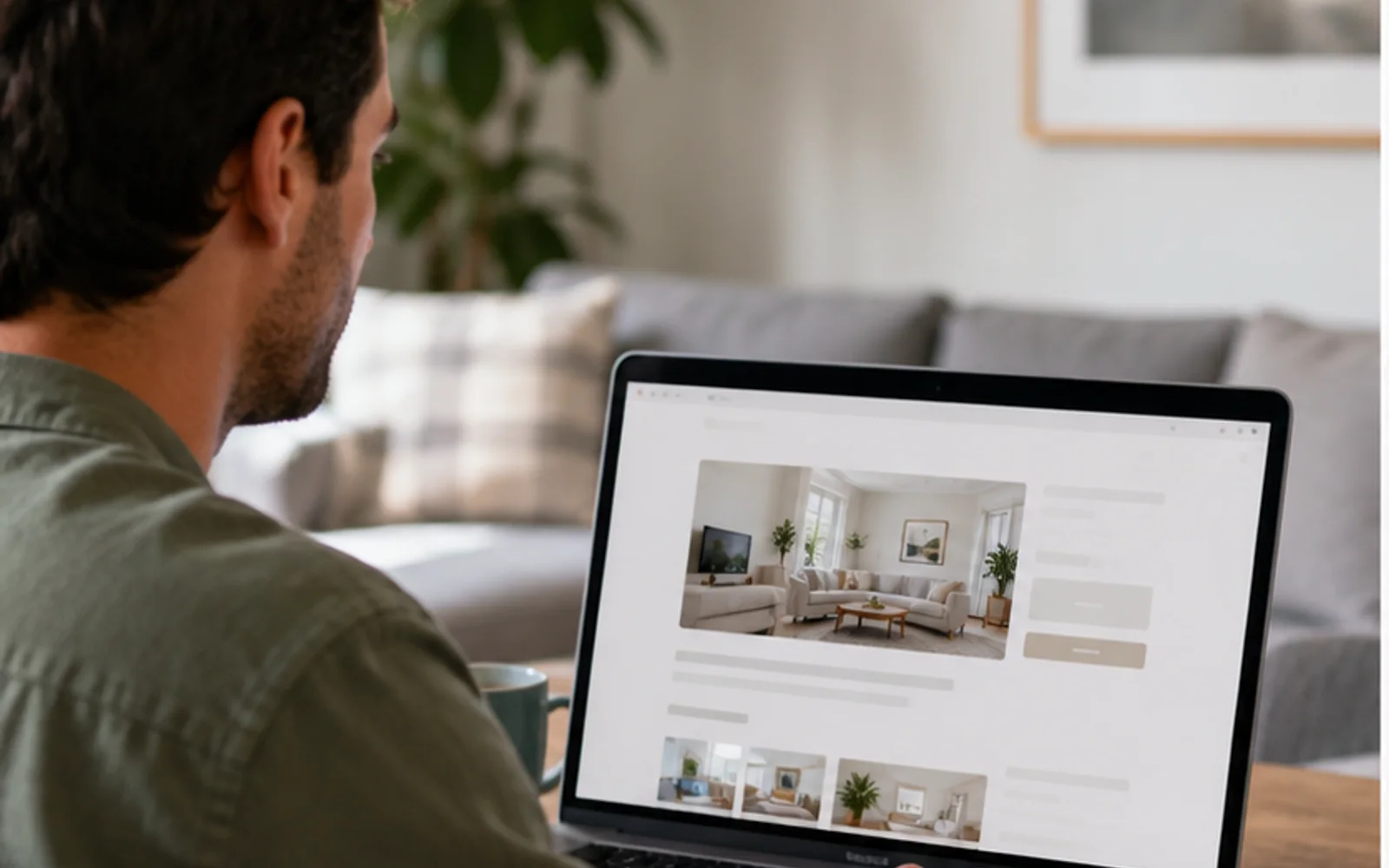
Host reviewing a website created with a vacation rental website builder
Use verified listing content as the source, then keep the website current as property facts change.

Common vacation rental website builder mistakes

  • Adding vacation rental website builder before deciding which problem it must solve.
  • Maintaining multiple versions of the same property or guest information.
  • Measuring activity rather than whether a host or guest can finish the next task.
  • Making every change at once instead of learning from one complete booking cycle.

vacation rental website builder FAQ

What is the best way to start with vacation rental website builder?

Start with one recurring problem, document the current process, choose one source of truth for the needed information, and test the revised workflow through one full booking cycle before expanding it.

How do I know whether vacation rental website builder is working?

Look for fewer repeated questions, fewer manual searches, clearer handoffs, and a guest journey where the next action is obvious. Review exceptions instead of assuming fewer messages always means a better stay.

Can a small host use vacation rental website builder?

Yes. A small host should begin with the smallest useful version of vacation rental website builder: accurate property information, a concise guest-facing flow, and a clear way to handle exceptions personally.