Free long-stay worksheet
Airbnb weekly and monthly discount calculator
Test the stay economics before changing a weekly, monthly or custom length-of-stay discount.
Short answer
A longer reservation saves some turnover effort but still consumes available nights and creates nightly operating costs. Calculate the effective rate, payout and contribution, then preview the exact dates and final price in Airbnb.
Test one stay
The host fee is editable because account and fee structures vary. Taxes, guest service fees and currency conversion are excluded.
Optional payout and cost assumptionsAdd these only when they apply. Blank amounts are treated as zero.
Stay result
- Original accommodation
- $1,330
- Discounted accommodation
- $1,197
- Effective nightly rate
- $171.00
- Guest subtotal before taxes
- $1,197
- Host fee estimate
- Add host fee
- Estimated payout
- Add host fee
- Estimated contribution
- Add cost assumptions
- Maximum discount at your minimum
- Add minimum contribution
Add cost assumptions to see a meaningful payout and contribution decision.
The current assumptions meet the minimum contribution entered. This is not a demand forecast.
Turn your listing into a branded direct booking website
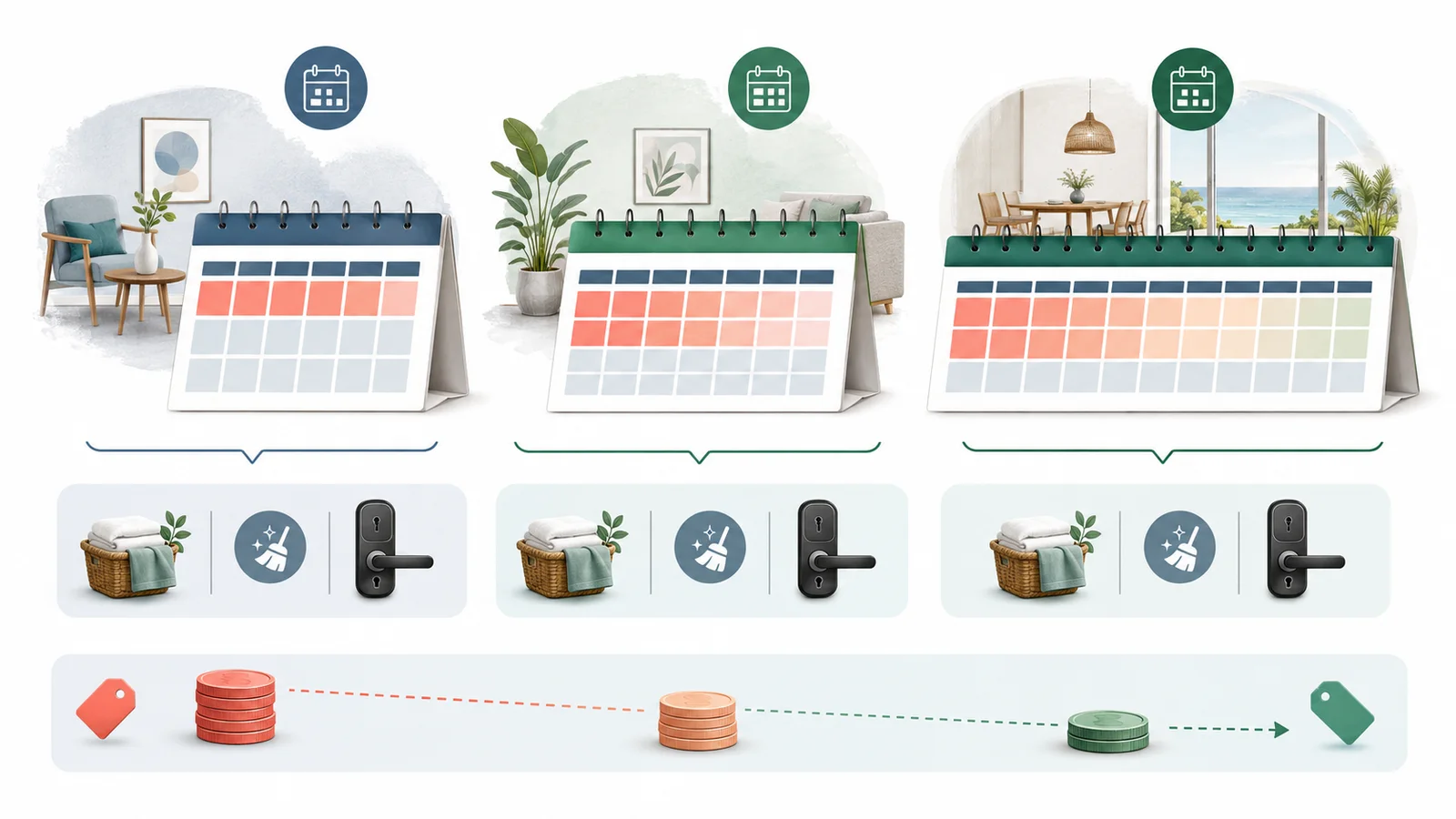
Compare the same discount across common stay lengths
| Stay | Effective rate | Payout | Contribution |
|---|---|---|---|
| 7 nights | $171.00 | $1,197 | $1,197 |
| 14 nights | $171.00 | $2,394 | $2,394 |
| 28 nights | $171.00 | $4,788 | $4,788 |
A safe discount decision has a preview step
- 1Start with the undisturbed base rate for the exact dates.
- 2Test one length-of-stay discount against nightly and turnover costs.
- 3Check promotions and rule sets that may stack, replace or outrank it.
- 4Preview the final reservation total in Airbnb before publishing.
- 5Record why the discount exists and review it when season or costs change.

Airbnb describes weekly discounts for stays of seven nights or more and monthly discounts for stays of 28 nights or more. Source reviewed September 4, 2026: Airbnb weekly and monthly discounts. Always verify the current listing setting and reservation preview.
Do not chase occupancy alone
A long booking can reduce vacancy while producing less contribution than shorter stays at a stronger rate.
Do not count cleaning twice
Cleaning is added to the guest subtotal here and turnover cost is subtracted from contribution. Enter each on the correct side.
After choosing a discount, check the complete guest quote with the vacation-rental total-price calculator. Enter the applicable charges separately and check that cleaning has not been counted twice; the discounted nightly rate alone does not describe the final price.
Know when specialist tools help
Use a revenue-management product when you need market demand data, event signals or automated rule management.
Free website widget
Embed this calculator on your website
Give visitors the same calculator without an account. The widget is responsive, keeps entered values private, and includes a small Host Pilot attribution.
Preview
Copy the embed code
WordPress
Add a Custom HTML block where you want the calculator, paste the code, then preview or publish the page.
Wix
Add an Embed Code element, choose Embed HTML, paste the code, and stretch the element to the full content width.
Any HTML website
Paste the code inside the page body. If your builder removes scripts, the fixed iframe height remains as a safe fallback; adjust its height if needed.
The resize message contains only the calculator ID and height—never field values.
Questions hosts ask before acting
How do I calculate an Airbnb weekly discount?
Multiply the base nightly rate by the stay length, apply the discount to accommodation, then add cleaning and estimate host fees and operating costs. Preview the actual reservation in Airbnb before publishing.
What counts as a weekly or monthly stay on Airbnb?
Airbnb describes weekly discounts for reservations of seven nights or more and monthly discounts for reservations of 28 nights or more. Verify current eligibility and display in your listing settings.
What is the maximum safe discount?
Here it means the largest accommodation discount that still meets the minimum contribution you entered after estimated host fee, variable nightly cost and turnover cost. It does not predict demand or profit.
Is the cleaning fee discounted?
This worksheet discounts accommodation only and adds the cleaning fee afterward. Preview the platform total because fee presentation and taxes can differ.
Can discounts stack or override one another?
Promotions, rule sets and length-of-stay discounts can interact. The calculator models one discount only, so inspect the final guest price for the exact dates in Airbnb.
Can Host Pilot change my Airbnb discount?
No. Host Pilot does not edit Airbnb discount settings. It can help keep reviewed guest-facing pricing and direct-booking information consistent across the host’s own flow.
Keep the final guest price consistent
Host Pilot does not change Airbnb discounts. It can help a host carry reviewed prices and fees into a direct-booking website and keep guest-facing information connected to the same property source.