Private printable template

Guest Wi-Fi sign template with a local QR generator

Create a scan-to-connect sign without uploading the network name or password.

Short answer

Enter the dedicated guest network details, print the sign, and test it with a phone that has forgotten the network. The QR code improves convenience but does not encrypt the password.

Create the guest sign

Required
Required
Optional
Private by design. The network name, password and QR payload never leave this device.

Welcome - scan to join Wi-Fi

Add the guest network details to generate the QR code.
Network
[guest network name]
Password
[password]

If scanning fails, enter the network details below.

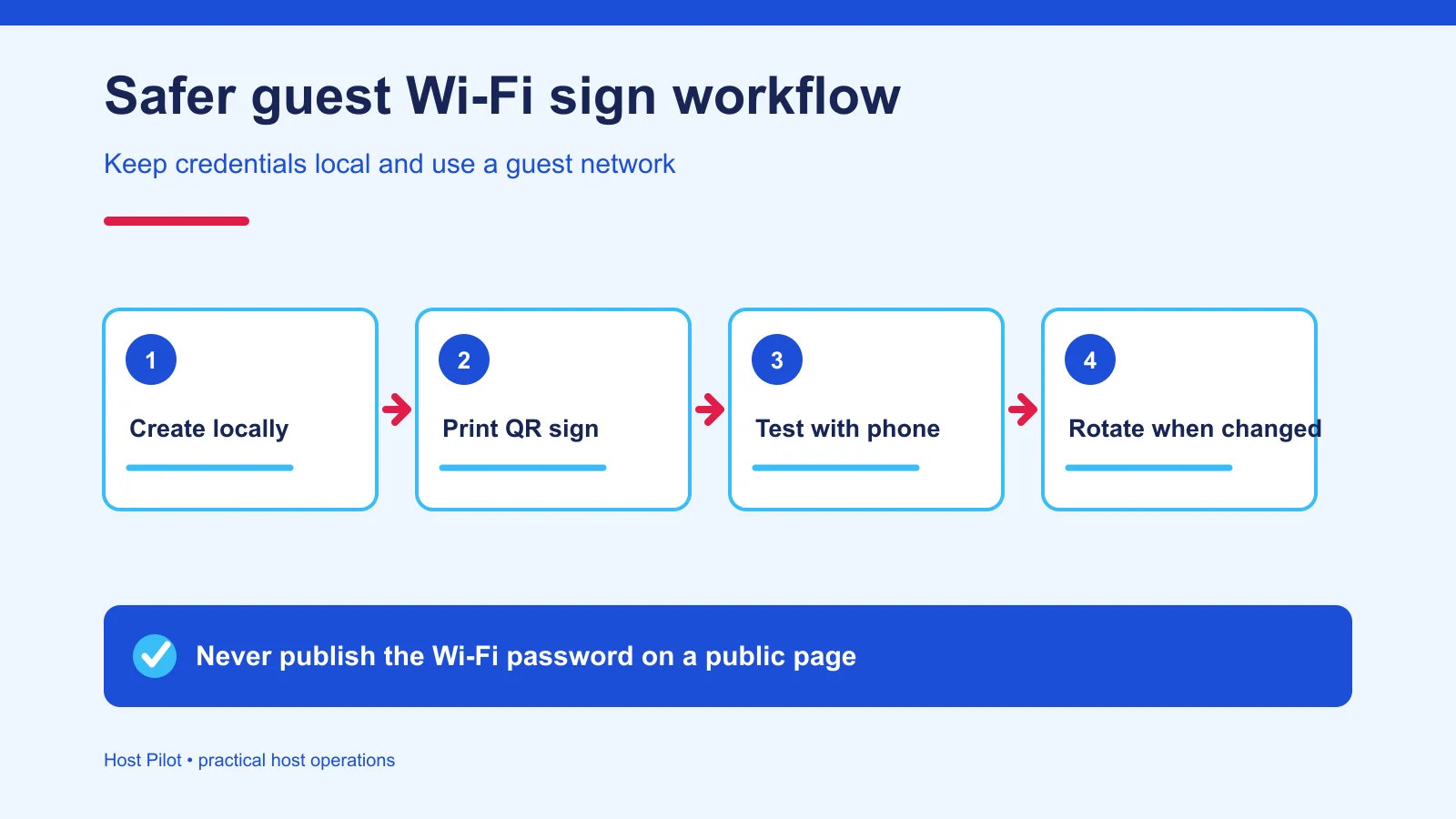
Private browser-only Wi-Fi QR sign generation flow
Credentials become a local QR payload and printable sign without being sent to Host Pilot.
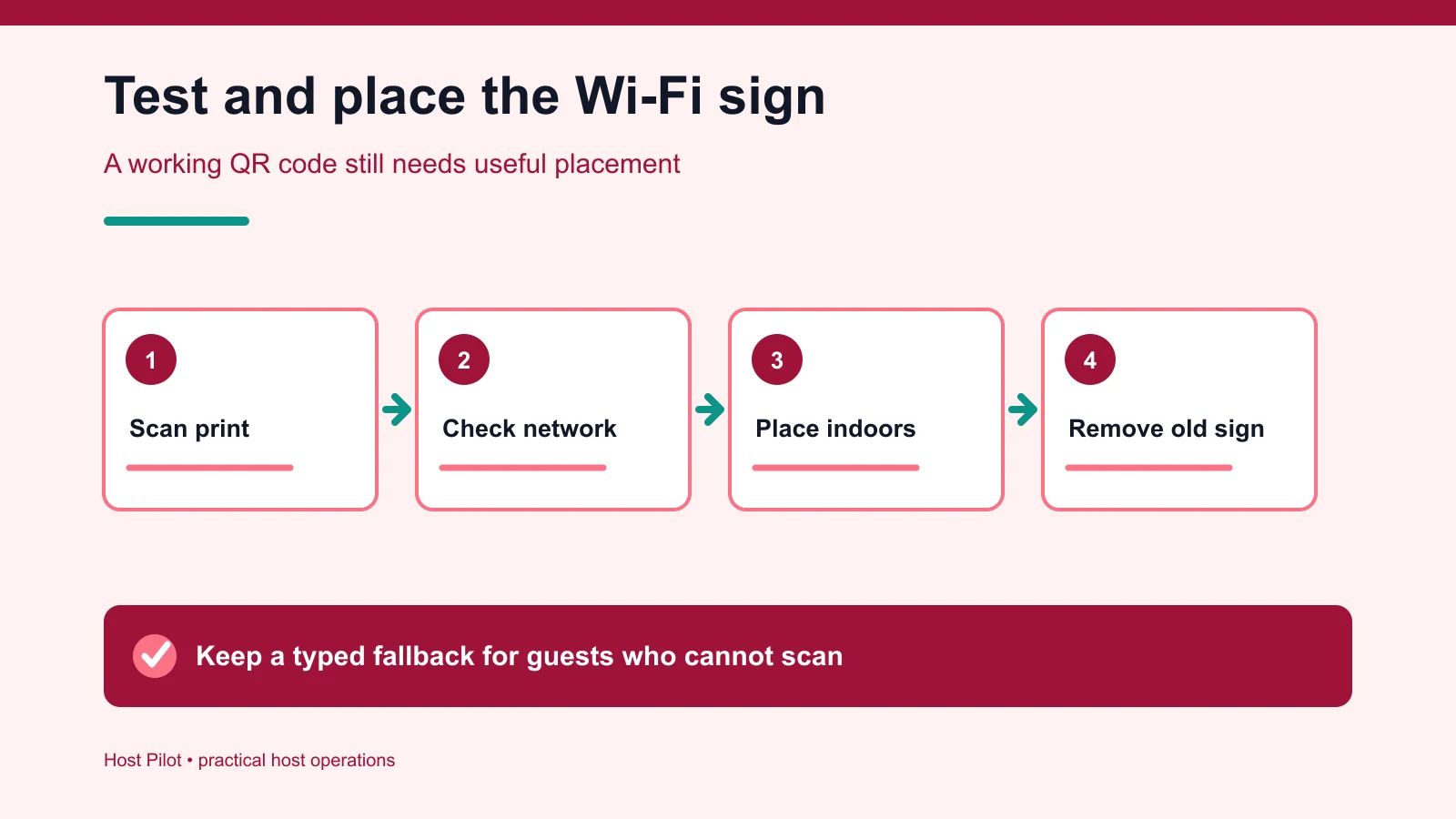
Guest Wi-Fi sign testing and placement workflow
Use a guest network, test from a disconnected phone, place thoughtfully and replace after password changes.

Sources checked September 20, 2026. Platform behavior and commercial terms can change.

A Wi-Fi QR code is convenient, not secret

A Wi-Fi QR code contains the network name and, for protected networks, the password in a recognized payload. Anyone who can scan the sign may recover those credentials. Keep the sign inside the property, never publish it in listing photographs and replace it whenever the guest-network password changes.

Continue the workflow: Put stable property help in a guest guide

Use a separate guest network and test the printed sign

Where the router supports it, isolate guest access from operational devices and use modern wireless security. Test the printed code on more than one phone after forgetting the network, and retain a readable fallback for guests who cannot scan it. Rotate outdated credentials and remove obsolete signs promptly.

Continue the workflow: Audit repeated guest questions

Questions hosts ask before acting

Does the Wi-Fi QR generator upload my password?

No. The QR payload is generated locally in this browser tab and is not included in analytics, storage or the page URL.

Can guests see the password inside a QR code?

Yes. A QR code is a convenient encoding, not encryption. Anyone who can scan the sign may recover the credentials.

Should I use my personal home network?

Use a properly configured guest network when possible and follow the router manufacturer’s security guidance.

What happens after I change the password?

The printed QR code becomes outdated. Generate, print and test a replacement before the next arrival.

Can I save the sign as a PDF?

Yes. Choose the desired layout, select Print, and use your browser’s Save as PDF option.

Keep stable property help in one reviewed guide

A digital guest guide can hold Wi-Fi context, appliances, parking and checkout information. Keep private access credentials controlled and review them whenever they change.