Guest cancellation request
Hi [guest name], I’m sorry your plans changed. Please open the booking in your Vrbo traveler account and review the cancellation option. The reservation will show the policy and refund window attached when you booked.
Import once
Turn your Airbnb or Booking.com listing into a direct booking website and guest guide.
Evidence checked September 1, 2026
Use the reservation as the source of truth, separate a guest cancellation from a host-initiated cancellation, and document the reason before promising a refund or changing the booking.
Short answer
The policy attached to the live reservation controls the standard refund. Platform exceptions, property issues and host-cancellation rules can override or add consequences. Verify the booking and current Vrbo help article before acting.
Platform policies change, regional rules can differ and existing bookings may keep older terms. This guide was checked on September 1, 2026; it is not legal advice or a payout guarantee.
Vrbo currently lets a property choose one policy, with optional seasonal policies for defined check-in dates. Refund-window deadlines use the property time zone, and existing bookings keep the policy active when booked.
| Policy | Current standard window | Host note |
|---|---|---|
| Day-before | 100% at least 24 hours before check-in | No refund after that window. |
| Lenient | 100% at least 5 days before check-in | No refund after that window. |
| Relaxed | 100% at least 14 days before check-in | 50% from 7 to 14 days. |
| Moderate | 100% at least 30 days before check-in | 50% from 14 to 30 days. |
| Firm | 100% at least 60 days before check-in | 50% from 30 to 60 days. |
| Strict | 100% at least 60 days before check-in | No refund after that window. |
| No refund | No standard refund window | A host may still issue a qualifying custom refund. |

Confirm the refund window in the reservation and tell the traveler to cancel through their account.
Treat it as a new availability and price decision. Record the agreed change on-platform.
Block affected dates, document the issue and follow Vrbo’s partner-cancellation process.
Collect the reservation ID, platform messages and evidence; contact support within the documented deadline.
Vrbo currently documents a 10-day window to request certain cancellation waivers and may require the reservation ID, platform communication and evidence. Integrated property managers should follow the connected software workflow and verify how the booking status returns to Vrbo.
Adapt the facts and timing. Do not promise a refund amount the platform has not confirmed.
Hi [guest name], I’m sorry your plans changed. Please open the booking in your Vrbo traveler account and review the cancellation option. The reservation will show the policy and refund window attached when you booked.
Hi [guest name], before cancelling, I can check whether [new dates] are available. Any change needs a confirmed price and written update in Vrbo. I’ll send the available option here for you to review.
Hi [guest name], an unexpected property issue may prevent the stay. I am documenting the condition and contacting Vrbo through the reservation. Please keep our communication in this thread while I confirm the correct cancellation or relocation step.
Cancellation decisions belong in the booking platform. Guest-facing preparation belongs in clear messages and a current guide. Host Pilot can help a small host reuse reviewed property information across a direct-booking website, digital guest guide and connected communication, but it does not decide Airbnb or Vrbo refunds and it is not legal counsel.
If an outage or property problem changes access, amenities or check-in, update the guide and scheduled messages after the platform case is stable. Do not let an old automation send a confident arrival message for a stay under review.
Plan the communication workflow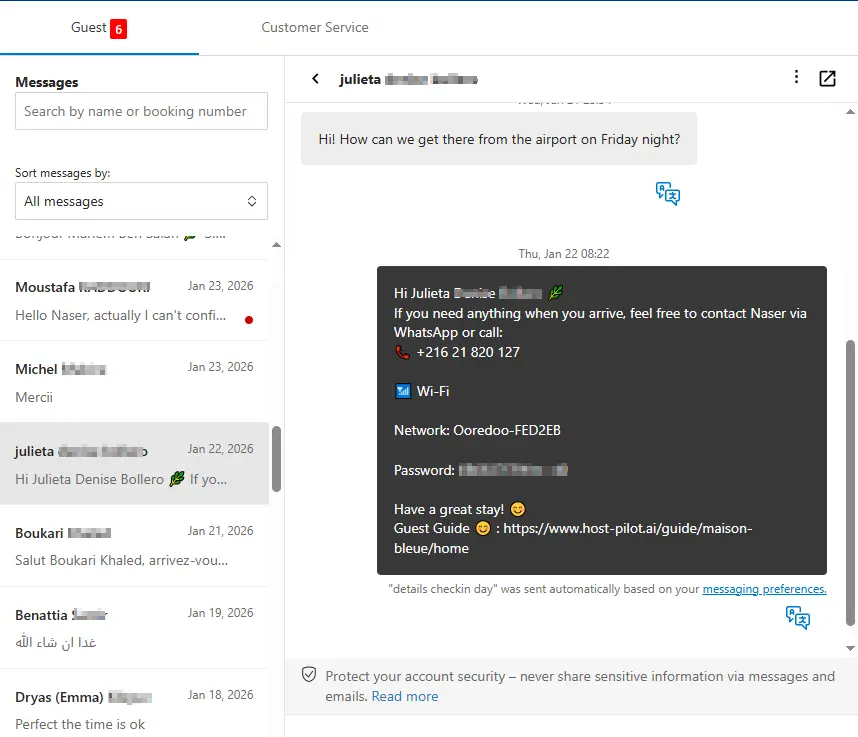
Check the reservation and the property’s Calendar settings. Existing bookings keep the policy active when they were made, even if a host later changes a seasonal policy.
Vrbo says the deadline is 11:59 p.m. in the property’s time zone on the last day of the applicable refund window.
Vrbo says hosts can issue a custom refund, but it must be at least the amount required by the policy attached to the reservation.
No. Vrbo says a seasonal policy applies by check-in date and does not change existing bookings.
Vrbo currently says a partner may contact support within 10 days for certain reasons outside the partner’s control and may need the reservation ID, explanation, platform messages and evidence.
Yes. Vrbo documents differences in how refunds are calculated and how cancellations flow through connected property-management software.
No. Verify the live reservation, current Vrbo terms and local law before acting.
The safest sequence is reservation first, evidence second, communication third. Once the booking outcome is clear, update every property instruction or scheduled message that the change affects.